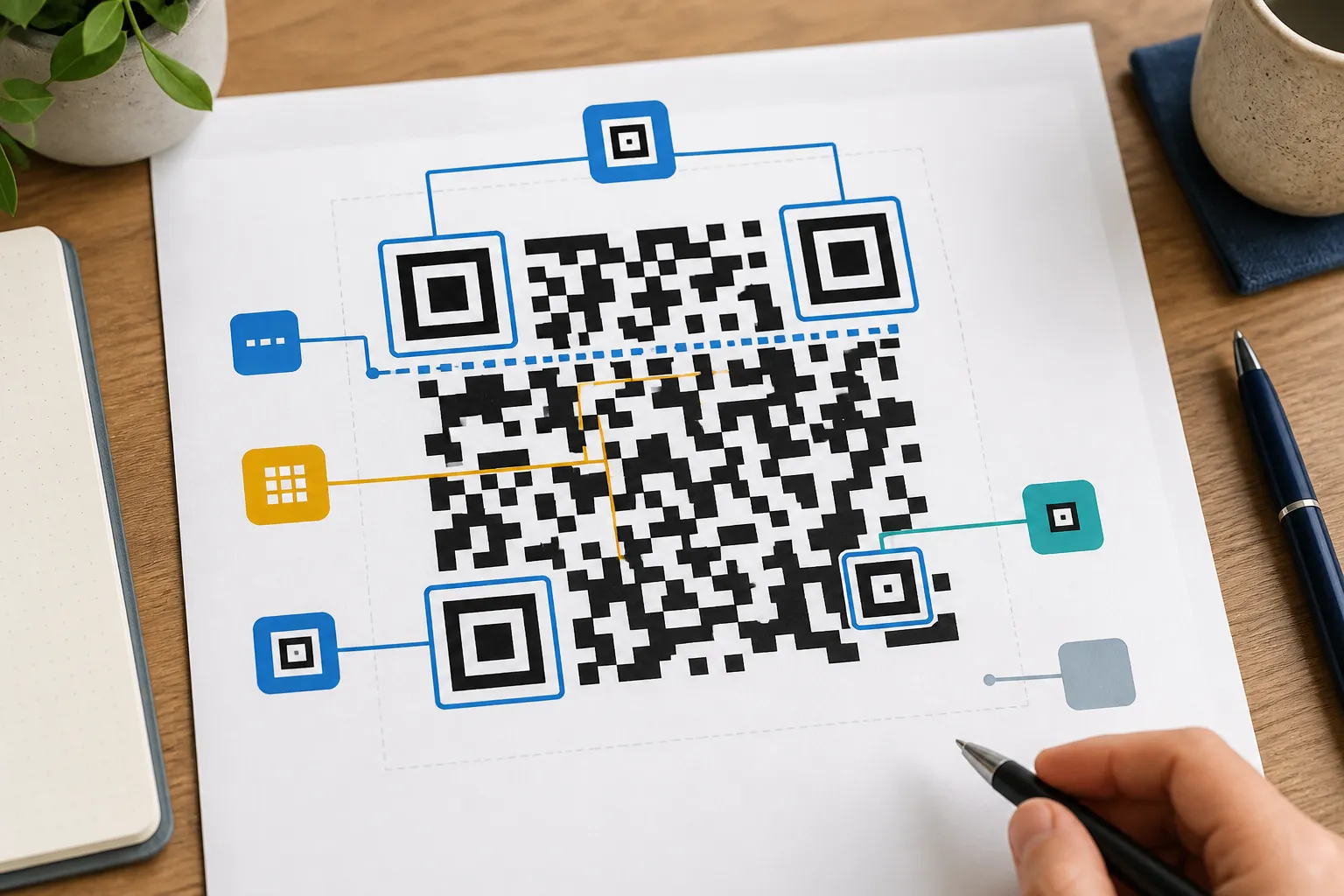
3 guides
How QR codes work
Learn what a QR code actually stores, and how static and dynamic codes differ.
Browse how qr codes workCategories
These categories organize related guidance without creating thin tag archives. A dedicated category page appears only after reviewed guides are published.
3 guides
Learn what a QR code actually stores, and how static and dynamic codes differ.
Browse how qr codes work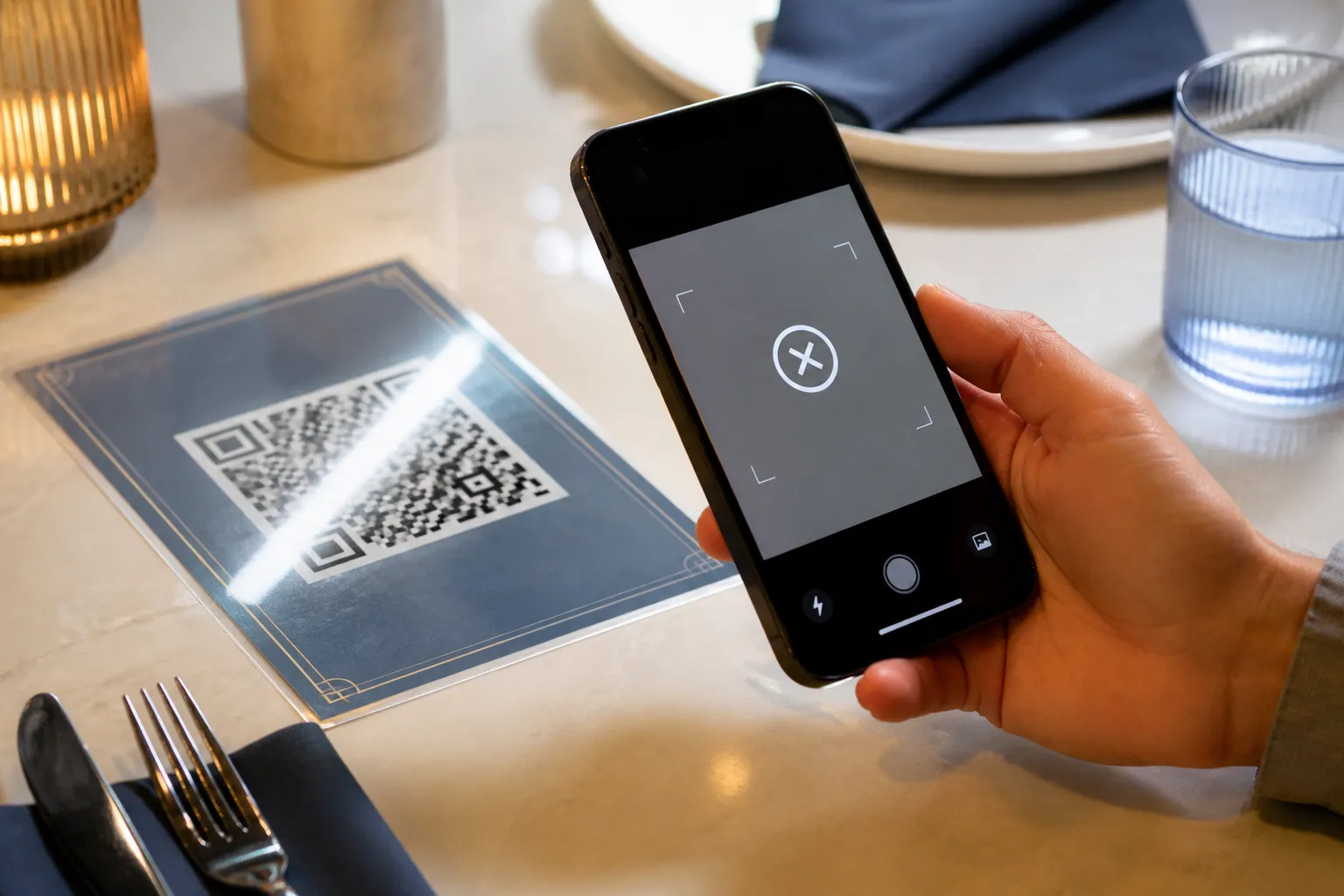
3 guides
Pick the right file format and size, and fix the usual reasons a code fails.
Browse formats and scan reliability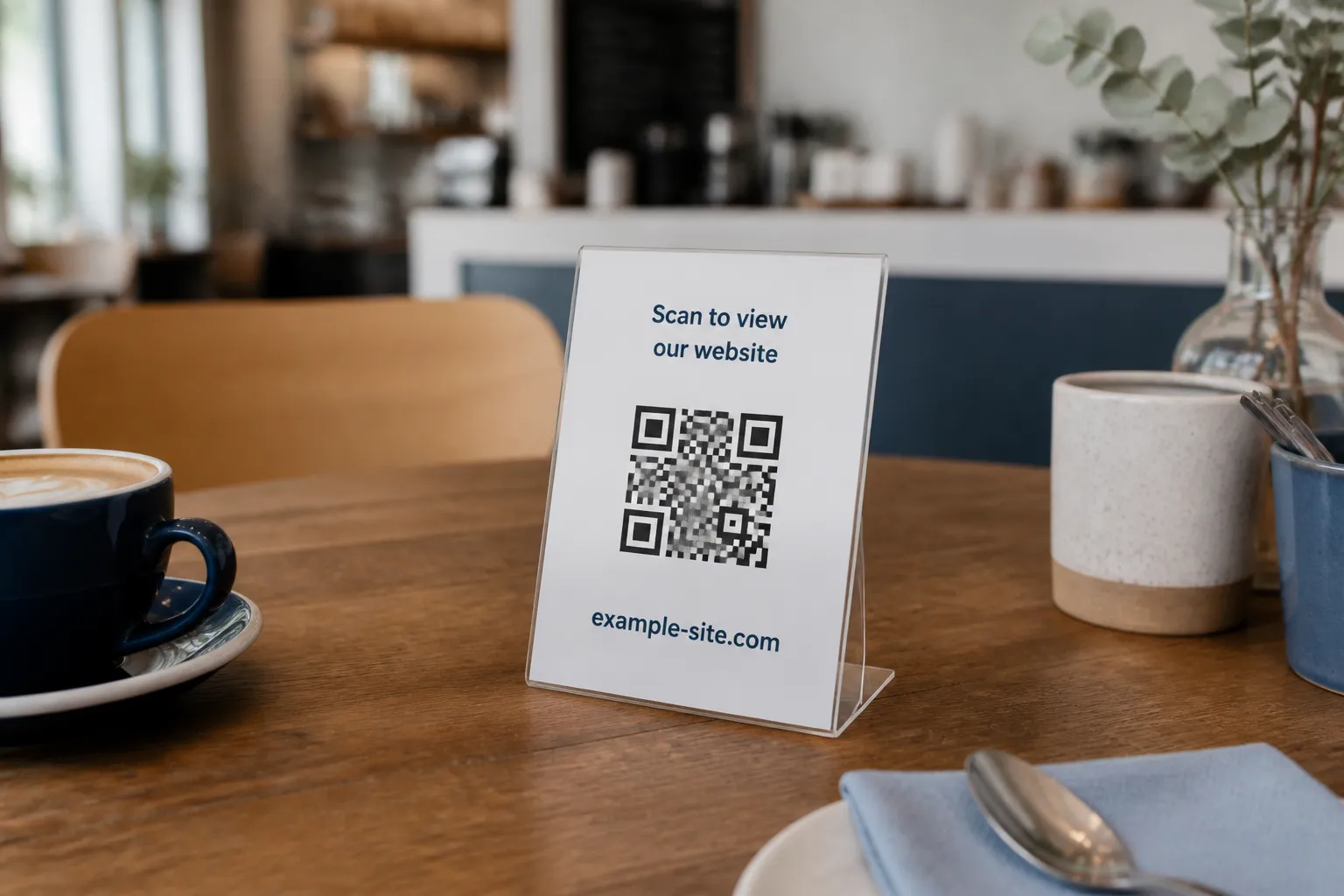
3 guides
Step-by-step guides for building a QR code for a site, Wi-Fi network, or contact.
Browse creating qr codes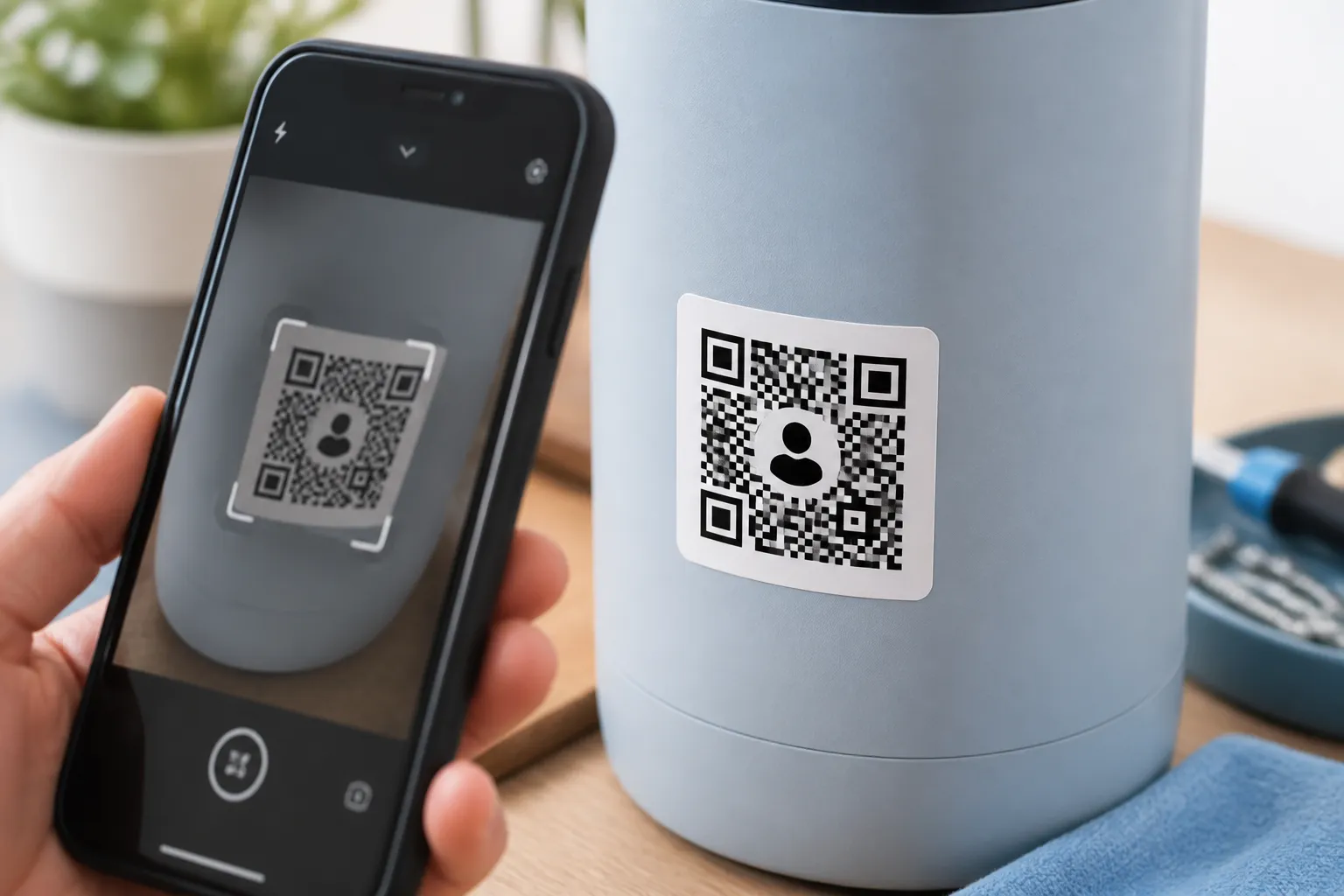
3 guides
Add a logo, choose colors with enough contrast, and test a code before printing.
Browse design and testing
6 guides
Use QR codes in print and customer journeys without creating friction or confusion.
Browse marketing and business
3 guides
Guide guests and buyers with QR codes in hotels, museums, and property listings.
Browse hospitality and real estate
3 guides
Apply QR codes carefully in classrooms, clinics, and community and fundraising campaigns.
Browse education, healthcare and nonprofits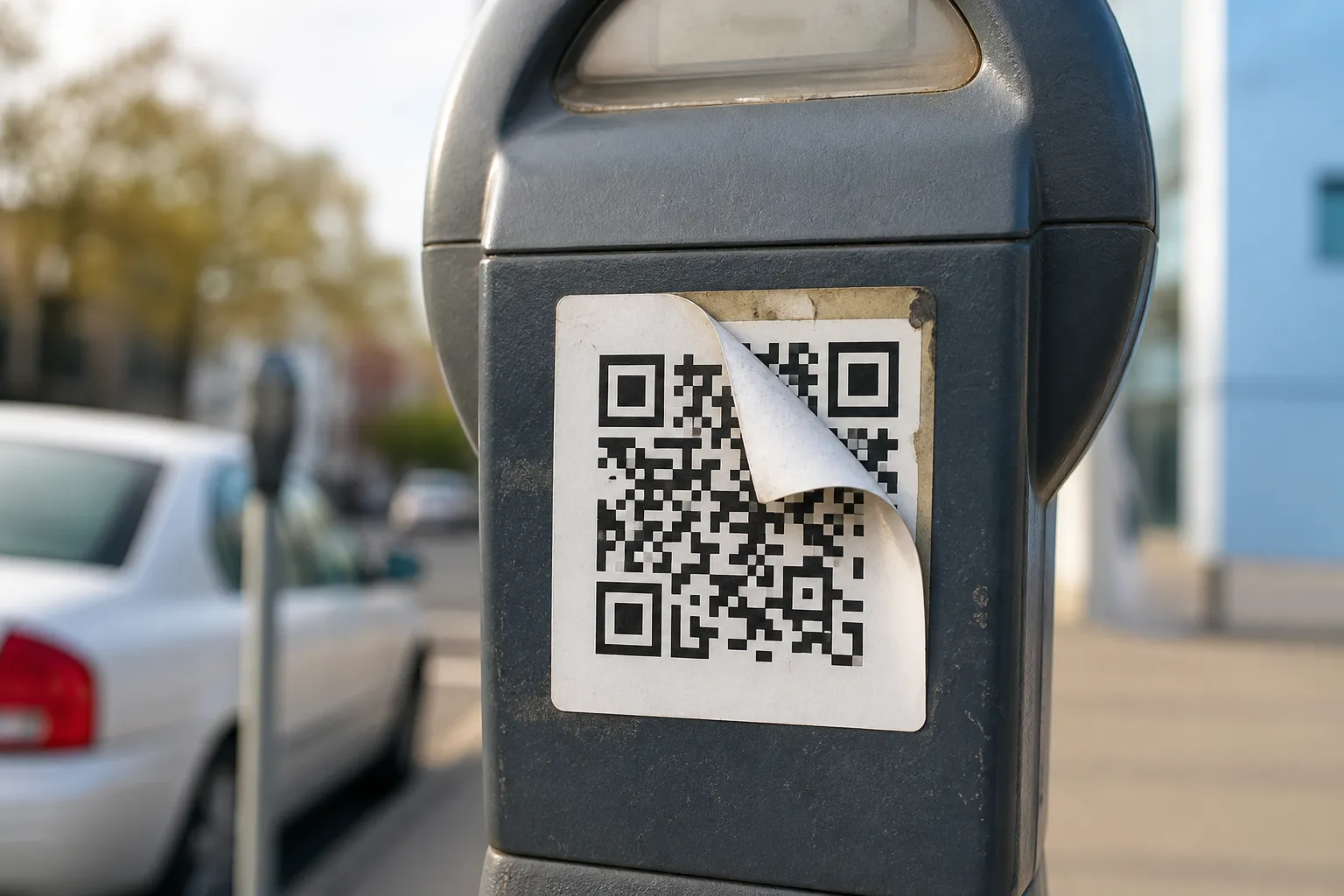
6 guides
Reduce phishing, privacy, usability, and access barriers around QR-code experiences.
Browse safety, trust and accessibilityCategory FAQ
Quick, practical answers organized by the same categories above, from how QR codes work to how each industry actually uses them.
A standard barcode stores data in a single line of bars, read in one direction, and usually holds a short number like a product SKU. A QR code arranges data in a square grid readable in two directions, so it can hold far more information, a full web address, text, or contact details, in the same amount of space.
Yes, within limits. QR codes carry built-in error correction, so a scratch, a smudge, or a small tear can be lost without breaking the read. How much damage a code can absorb depends on the error correction level chosen when it was generated.
It depends on the grid size and the type of data, but a typical QR code comfortably holds a few hundred characters of text or a full URL. Denser codes get harder to scan at small sizes, so a shorter payload generally scans more reliably than a long one.
No. Any modern smartphone camera can scan a QR code without a separate app, since the reader is built into the native camera on both iOS and Android.
Strong contrast between the pattern and its background, an intact quiet zone around the edges, true square proportions, and a size matched to the scan distance. Low contrast, a stretched shape, and a large uncorrected logo are the most common reasons a code fails.
Yes, within reason. Color changes and a small centered logo are fine as long as contrast stays strong and error correction is raised enough to cover the area the logo takes up.
Not necessarily. Higher levels add useful redundancy for a code carrying a logo or exposed to wear, but they also make the pattern denser, which can hurt scanning at small sizes. Match the level to how the code will actually be used, rather than defaulting to the maximum.
Somewhere a phone can be held steady and close, near eye level and away from glare, with enough surrounding white space that a camera can isolate it from the rest of the artwork.
They work well when the payoff is immediate and specific, a menu, a coupon, a quick sign-up, rather than used as decoration. A code that names the exact benefit gets scanned far more than one that just says "learn more."
Yes, if it points to a static destination you control, such as a landing page. The same code can appear on packaging, posters, and receipts, since the code itself is just a stored address, not tied to any single printed piece.
Common uses are a digital compendium covering Wi-Fi details, restaurant hours, and checkout information, a request line for housekeeping, or a link to leave a review, replacing a paper folder with something a guest can reach anytime on their own phone.
Yes, especially for a buyer walking or driving by outside normal viewing hours. A code linking straight to the listing, with photos, price, and contact details, lets them act on the spot instead of writing down an address to look up later.
Something narrower works better. A code posted beside a specific piece should link directly to that item's information, not a general homepage the visitor then has to search through.
Common uses include linking straight to a worksheet or reading, a sign-up form for an activity, or supplementary material like a video, which saves students from typing a long web address on a shared or personal device.
The concern is less about the code itself and more about what it links to. Any destination that collects health information needs the same safeguards as any other clinical system, and a code should never be used to shortcut consent or verification steps.
They can be, mainly by removing friction: a code on a poster or mailer that goes straight to a donation form skips manual typing. The usual cautions still apply, use a domain donors will recognize, and describe the destination clearly beside the code.
It can go either way. Pairing a code with a plain-text link that a screen reader can follow, and never making the QR code the only way to reach the information, keeps it an added option rather than a replacement for accessible design.
Look for a sticker over a sticker, an edge that lifts or peels, or a code sitting crooked compared to the print around it. A mismatch between the destination your phone's preview shows and what the sign describes is the clearest warning sign.
It carries more risk than linking to your own domain, since you can't guarantee that destination stays trustworthy or online. Where possible, point codes at a page you own, even if that page then links onward to somewhere else.
The code itself is a visual pattern a screen reader can't interpret, so it should always be paired with an accessible alternative: a printed link, a plain-text description of where it leads, or another way to reach the same content without scanning.