How to Add a Logo Without Breaking a QR Code
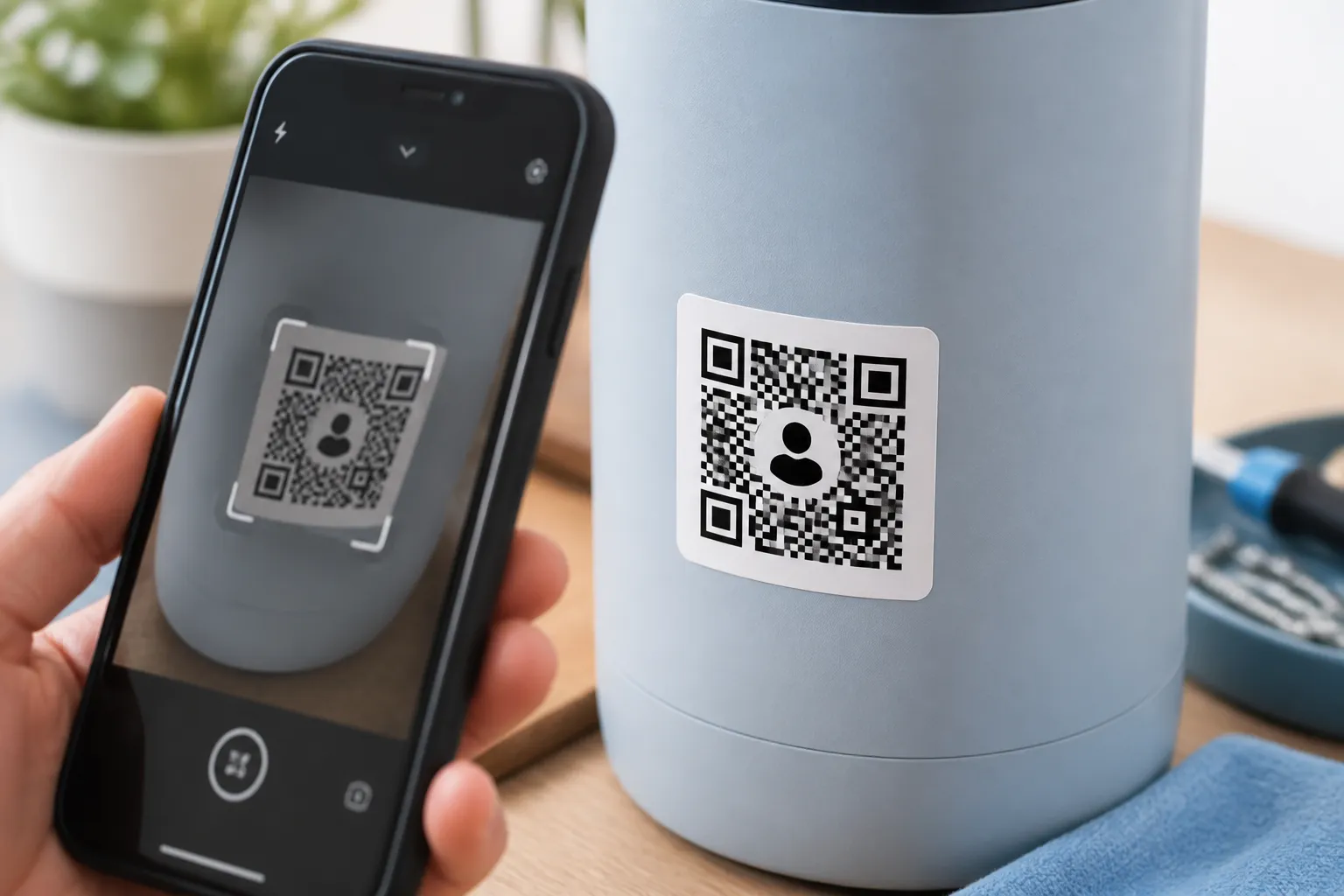
Place a small center logo while protecting QR finder patterns, contrast, error correction, quiet zones, and real-world scanning reliability.
Read guideGuide category
Add a logo, choose colors with enough contrast, and test a code before printing.
Place a small center logo while protecting QR finder patterns, contrast, error correction, quiet zones, and real-world scanning reliability.
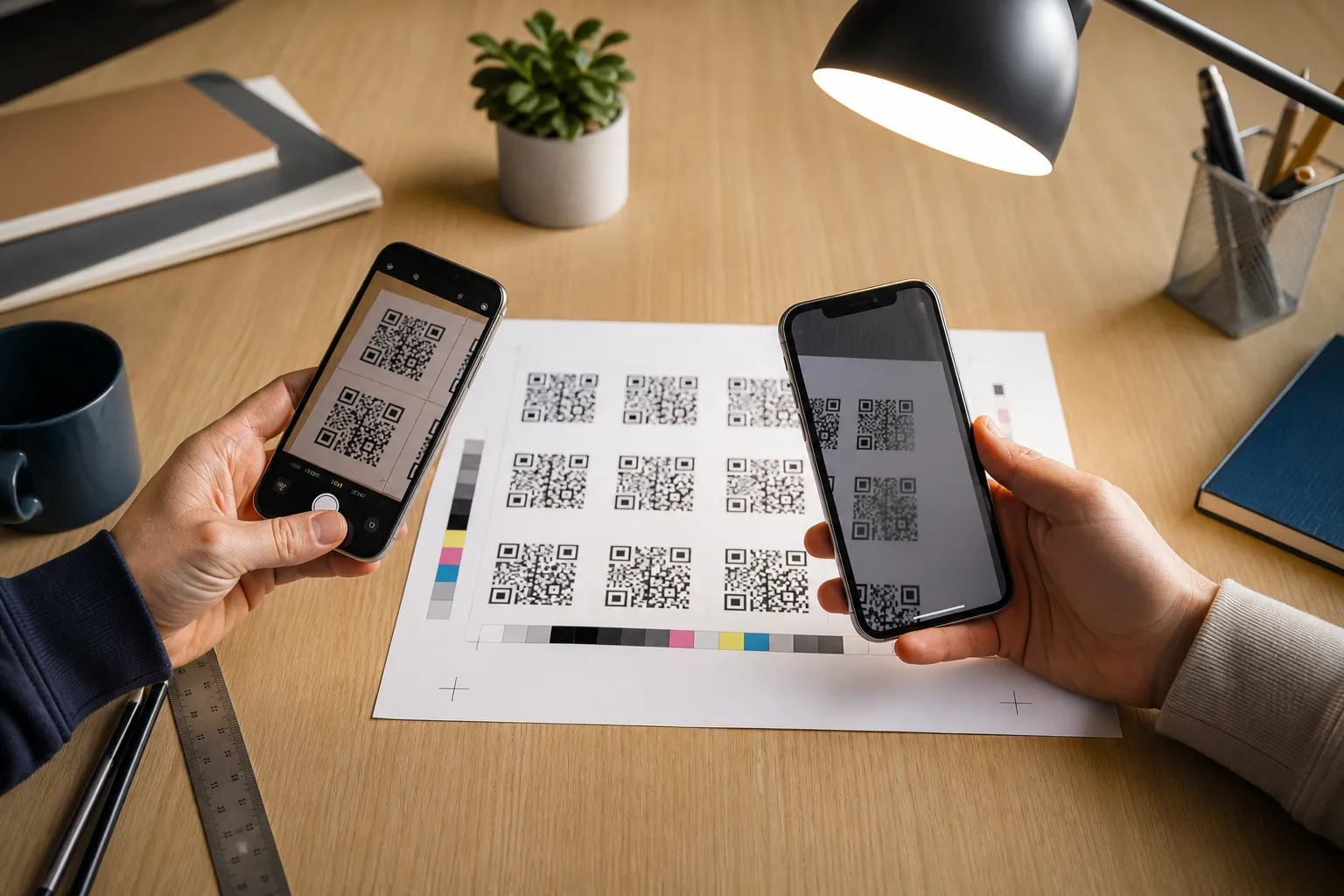
Read guideUse a repeatable preflight process to verify payload, size, contrast, device compatibility, placement, material, and the final destination.
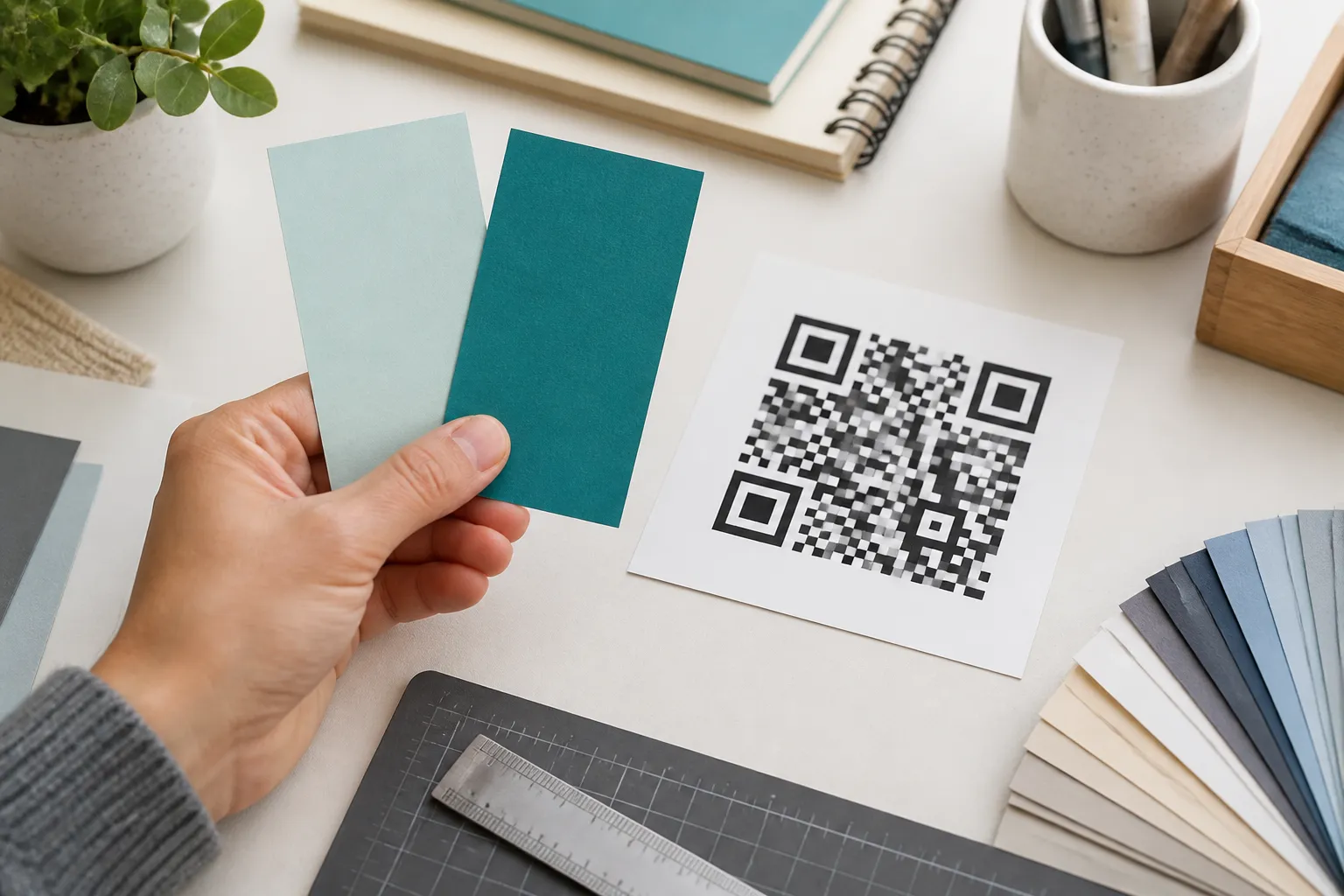
Read guideChoose QR foreground and background colors that keep scanner contrast, accessible context, brand consistency, and dependable production results.
Read guide