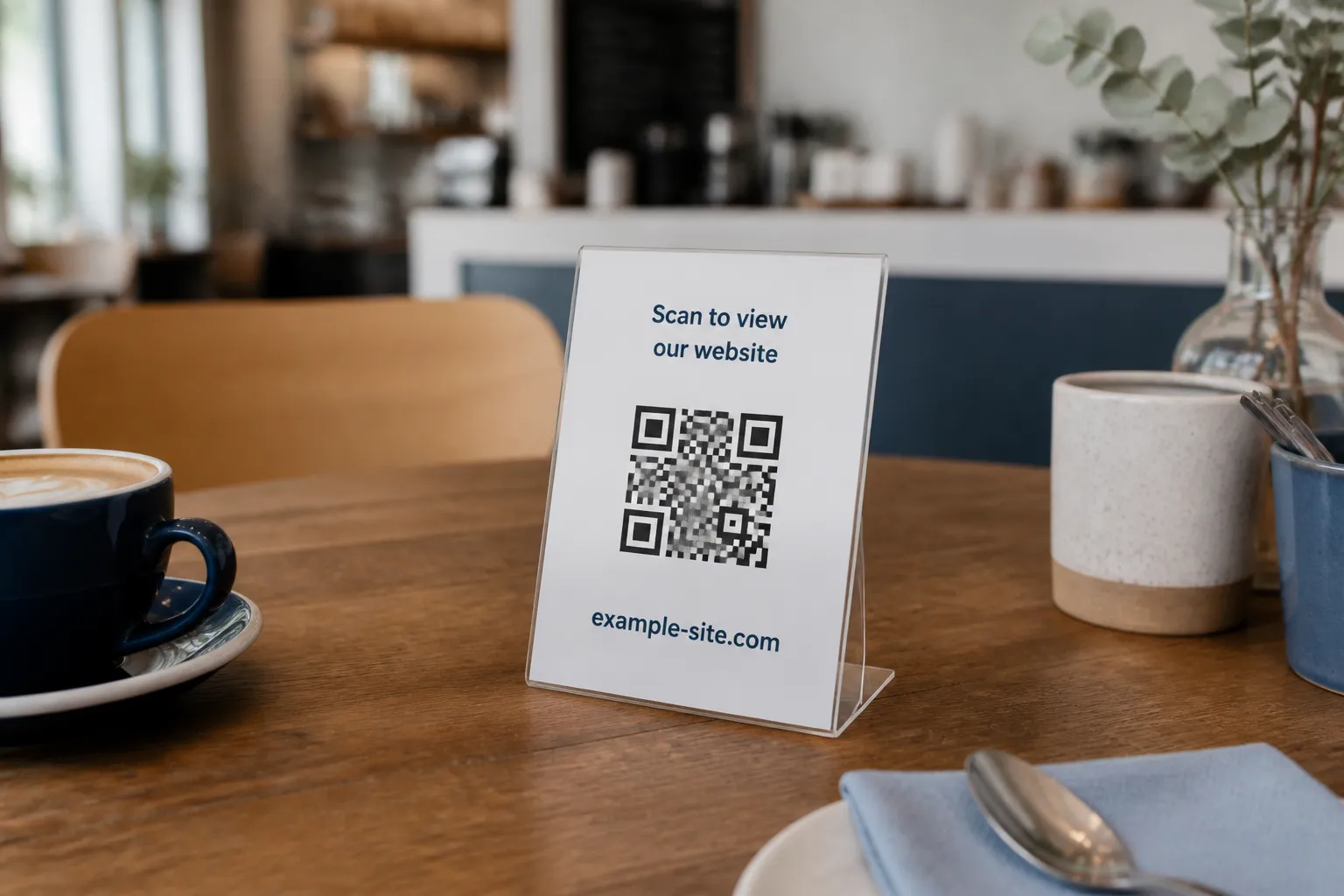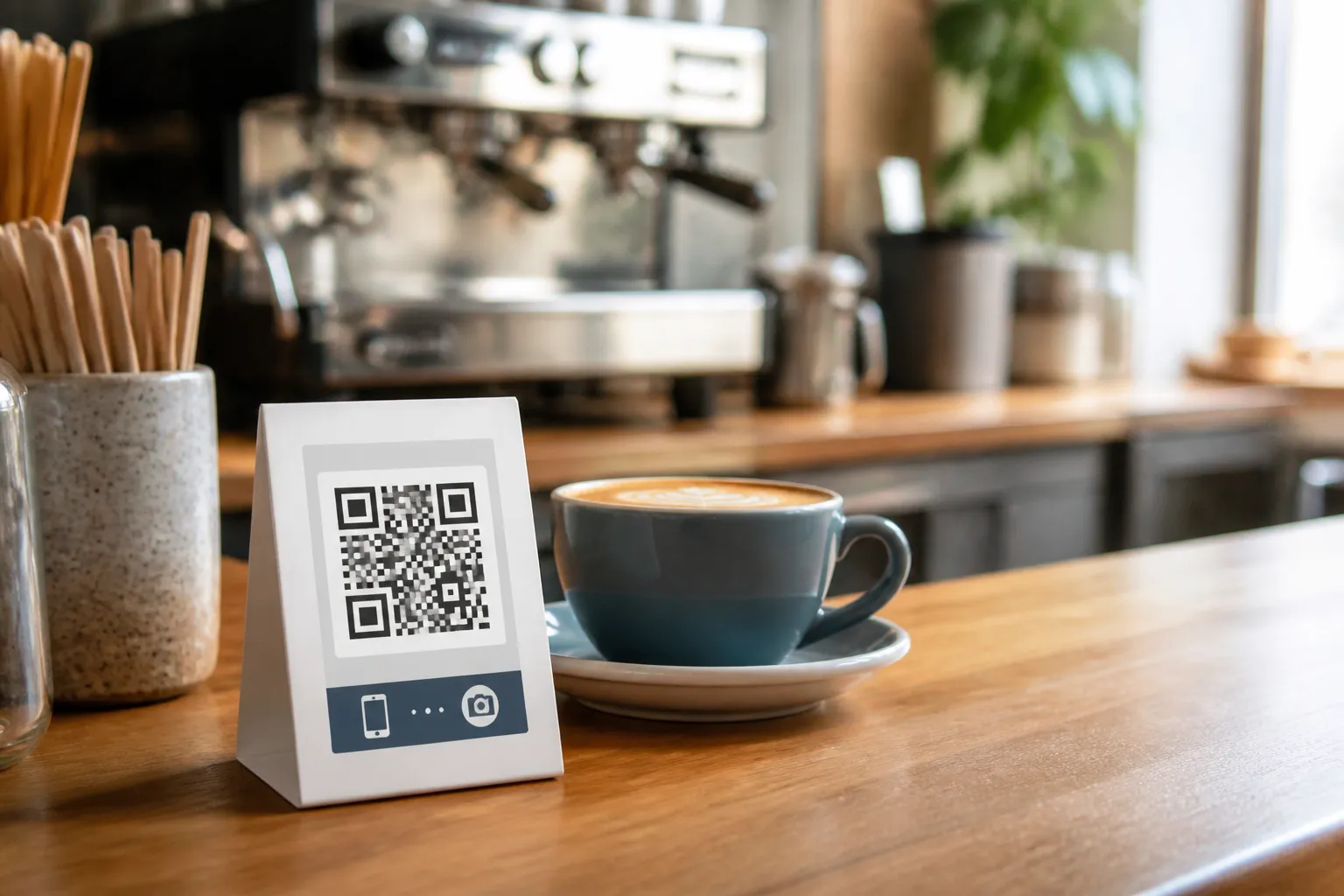
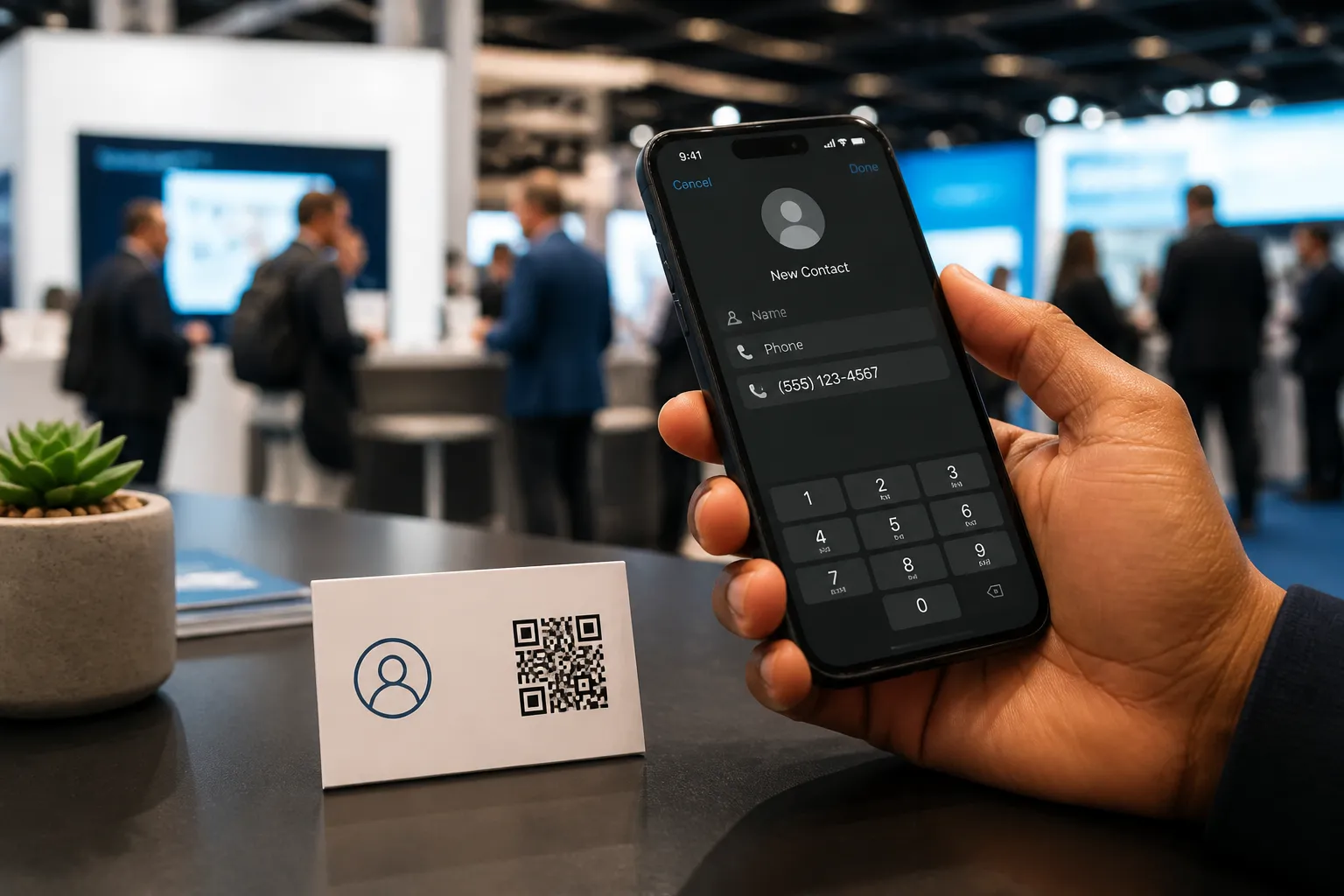
At a trade show last spring I watched a founder hand over a beautiful matte card with a QR code the size of a postage stamp, crammed into the corner. I scanned it out of professional curiosity. My phone thought about it for a second, then imported a contact with her first and last name fused into one field, a phone number missing its country code, and a “notes” section that contained her entire company mission statement. She had encoded everything, and in doing so had made almost none of it usable.
That is the whole tension of a contact QR code. A vCard - the little text format phones understand as “a person” - lets someone save you to their address book in one tap. The temptation is to pour in every field the format allows. The skill is doing the opposite: choosing the three or four details that matter and letting the phone import them cleanly.
Decide what is actually public before you encode anything
A printed card is not a private message. It gets photographed, dropped in a bowl at a reception desk, scanned by a stranger three seats over, and occasionally posted online. Whatever you put in that code should be information you are comfortable handing to a room, not just to the person in front of you.
For most people that means a work email, a business number, your name, and your role or company. It does not mean your home address, your personal mobile, your birthday, or a private note about a deal. If you would hesitate to read a field aloud to a crowded room, keep it off the card.
Teams have a second problem here. When someone changes roles or leaves, their old cards keep circulating for months. Decide in advance which organization fields are approved, use role-based email like hello@ or sales@ rather than a personal inbox where it makes sense, and plan how you replace or retire old print runs. A shared reception number outlives any one employee. A personal cell number does not.
Build a compact vCard, not a data dump
In the generator, choose the vCard or contact option and resist the urge to fill every box. Add the name, then only the organization, phone, and email fields you genuinely want a recipient to save. HighEndDIY handles the fiddly part for you: it escapes commas, semicolons, backslashes, and line breaks so a comma in your company name does not accidentally split into two fields the way the format’s rules would otherwise demand.
There is a physical reason to stay lean. Every character you add makes the QR grid denser, and a denser grid needs to be printed larger to stay reliable (see QR-code sizes for how to judge that). A four-field contact card scans happily at 20 millimeters. Stuff in a paragraph of biography and you may need 35 millimeters for the same reliability, which no longer fits neatly in a card corner.
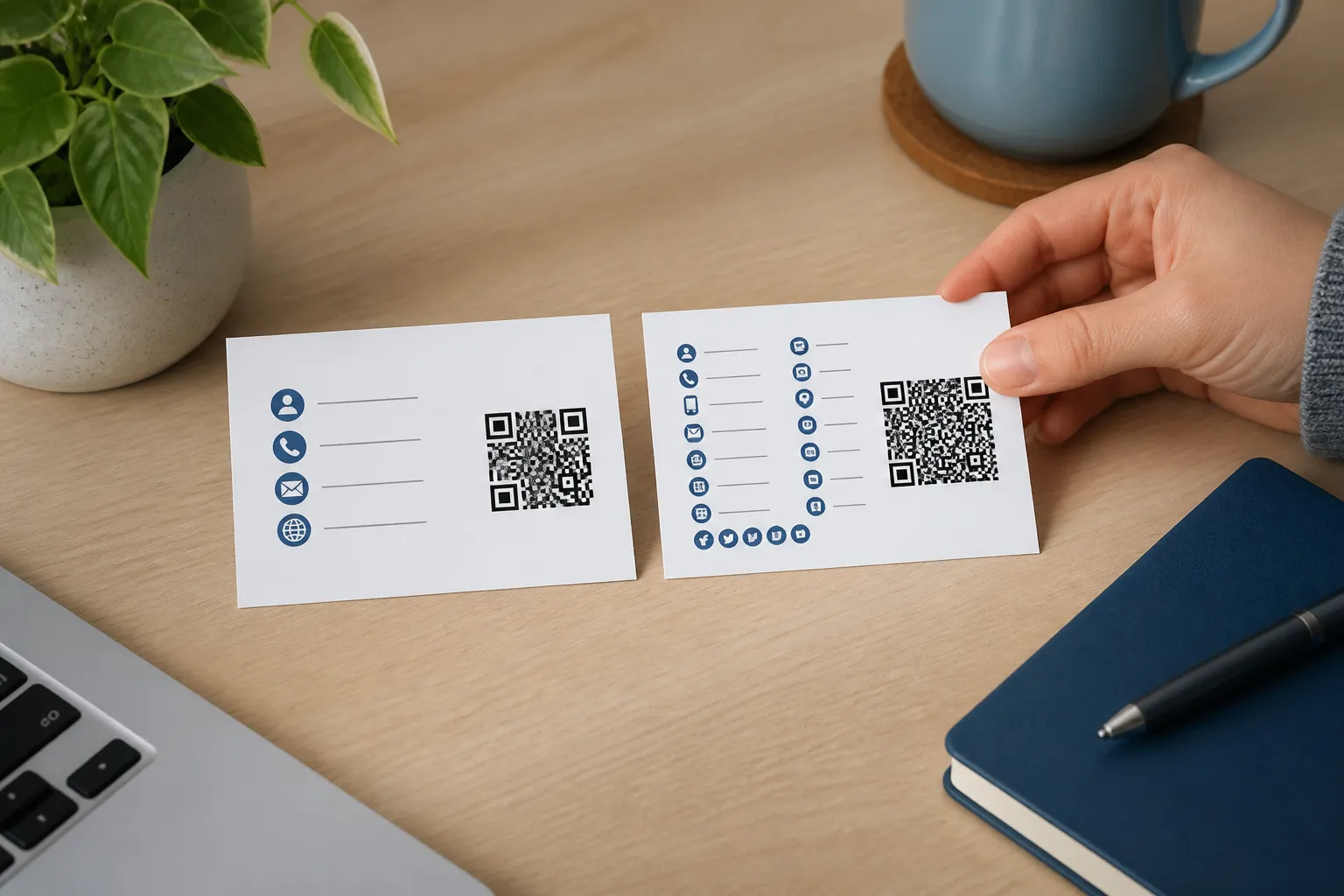
A vCard is a static code with everything baked in at print time, so if you need a biography, a portfolio, multiple offices, or details that change often, encode a stable HTTPS profile page instead of a fat vCard. Put the changeable material on the web, where you can edit it without reprinting a single card, and let that page offer a downloadable contact file for anyone who wants to save you properly.
A real-world setup that ages well
Mara runs a neighborhood electronics workshop and speaks at the occasional maker fair, the sort of event where well-designed check-in codes matter just as much as a good contact card. Her printed card encodes exactly four things: her public name, the workshop name, the shared reception number, and a role-based email. Her project gallery lives on a short URL she owns, printed separately on the back of the card as plain text.
The split is deliberate. The contact code stays sparse and reliable, so it scans from across a table under bad lighting. The website can be redesigned, moved, or expanded without touching a single printed card, because it was never baked into the QR at all. When she hires an assistant next year, the shared number and role email still work. Nothing on that card was tied to a person who might leave.
Test the import, not just the scan
A code that decodes is not the same as a contact that saves correctly, and the two failure modes look identical until you check. Scan your finished card on at least two operating systems, because an iPhone and an Android device parse vCards with subtle differences.
Then actually save the contact and reopen it. Confirm that the given name and family name landed in the right fields rather than merging. Check that the international phone number kept its leading plus and country code. Look for stray characters in the email, a classic sign that a special character escaped incorrectly. If your name carries an accent, a hyphen, or right-to-left script, that is exactly the case most likely to break, so test it on purpose rather than hoping.
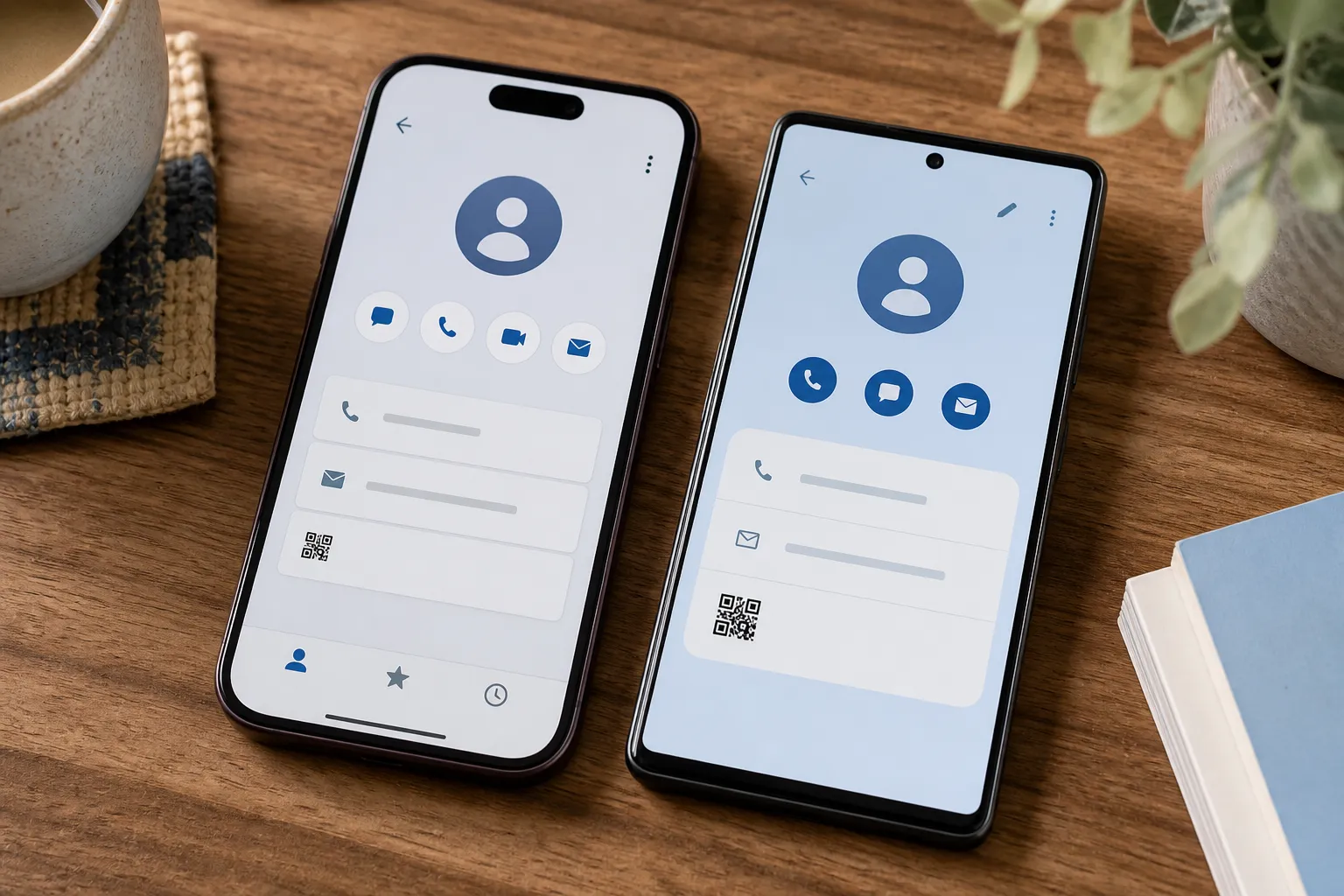
One honest caveat: different contacts apps present the same vCard differently, and you cannot promise identical results everywhere. Aim for correct and complete on the major platforms, and let go of pixel-perfect uniformity.
Design so a human can still reach you
Label the action for what it does. “Save my contact details” earns a scan in a way that a bare “Scan me” never will, because it tells the reader what they are agreeing to. Beside the code, print a human-readable email or website in normal type. Some people will never scan a code, some phones will be dead, and some cameras will refuse to cooperate, and every one of those people should still be able to reach you.
Keep the quiet zone, the empty margin around the code, genuinely empty. Do not let your logo or a portrait creep across the functional pattern; if you do want a small mark, see how to add a logo without breaking a QR code first. A contact code is small and dense by nature, so it has less room to spare than a website code does. When the design and the data pull against each other, let the data win. The point of the card is not that it looks clever. The point is that a stranger taps once and finds you in their phone tomorrow.
Sources and further reading
Create the code you need
Use HighEndDIY’s private browser tool, then test the result in the setting where people will scan it.
Create a QR CodeFound something that should be corrected? Email [email protected].