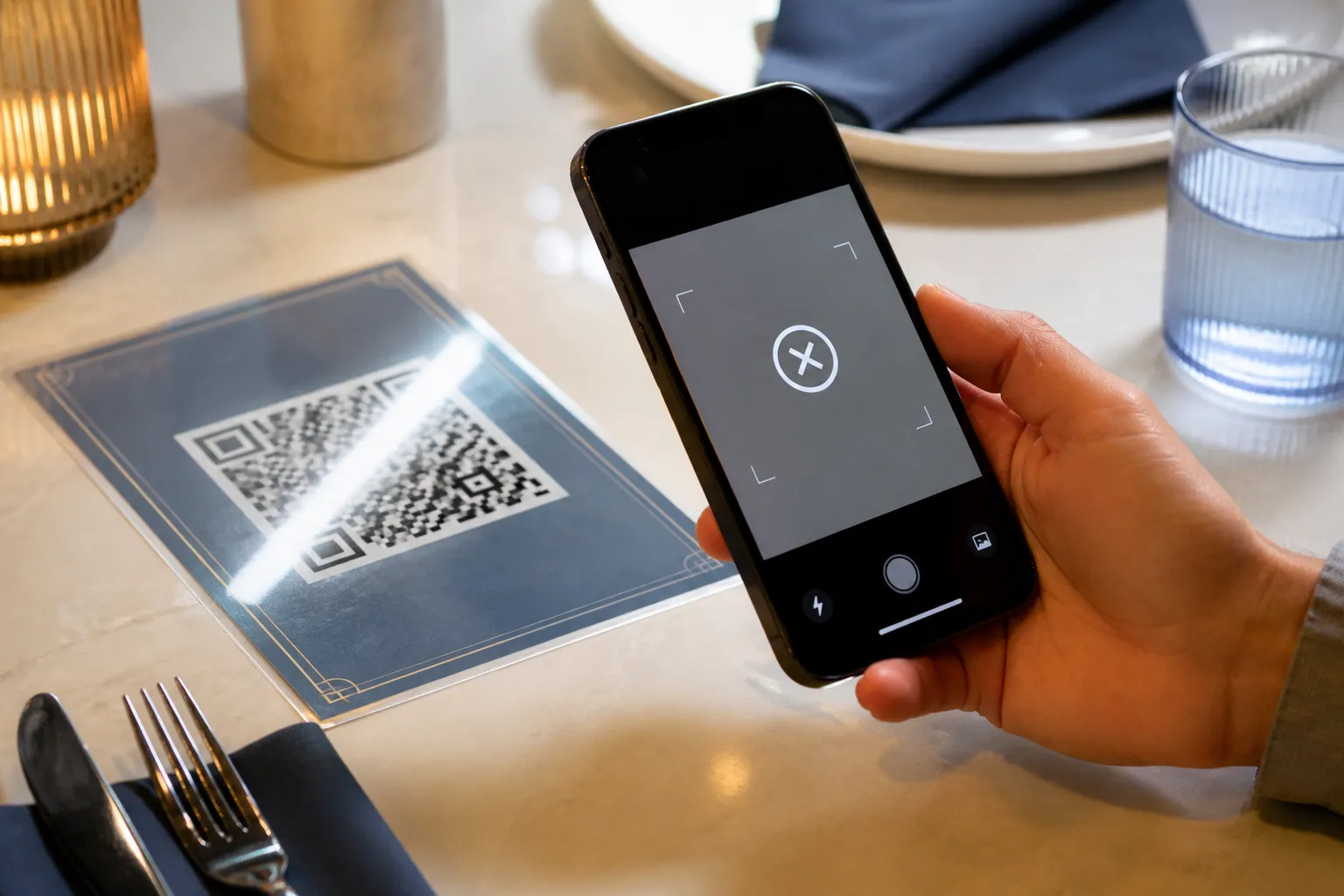
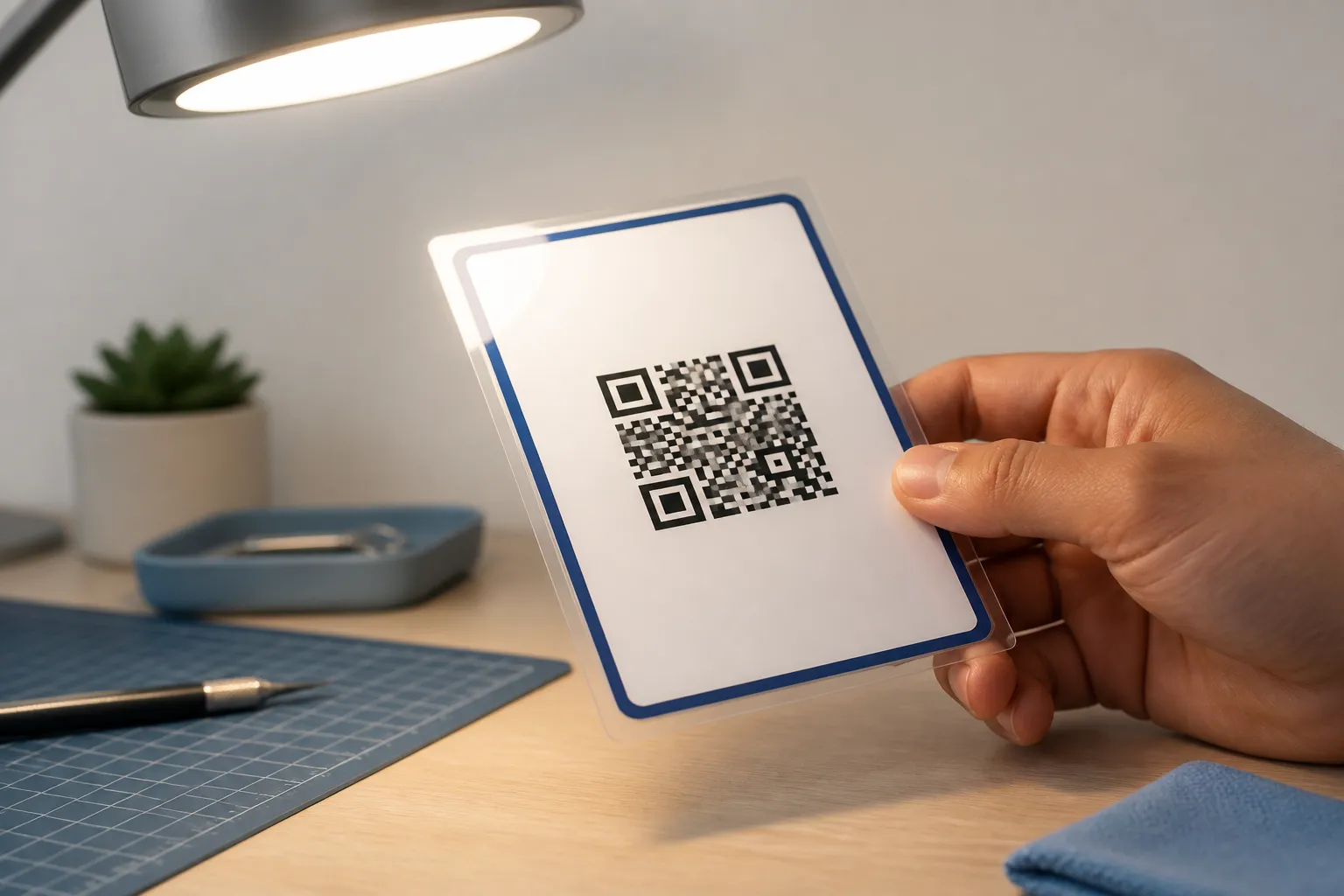
A caterer once handed me her phone in a panic ten minutes before service. The menu code she had printed that morning scanned perfectly on her laptop and refused to do a single thing on the laminated card in my hand. She was convinced the printer had ruined it. It had not. A row of ceiling spotlights was throwing a white streak straight across two of the three corner squares, and no camera on earth was going to read through that glare. We tilted the card fifteen degrees, it scanned instantly, and she looked at me like I had performed surgery.
That is the thing about a failed scan. “It does not work” almost always hides a more specific truth, and until you find out which specific truth you are dealing with, every fix is a guess.
Three failures wearing the same coat
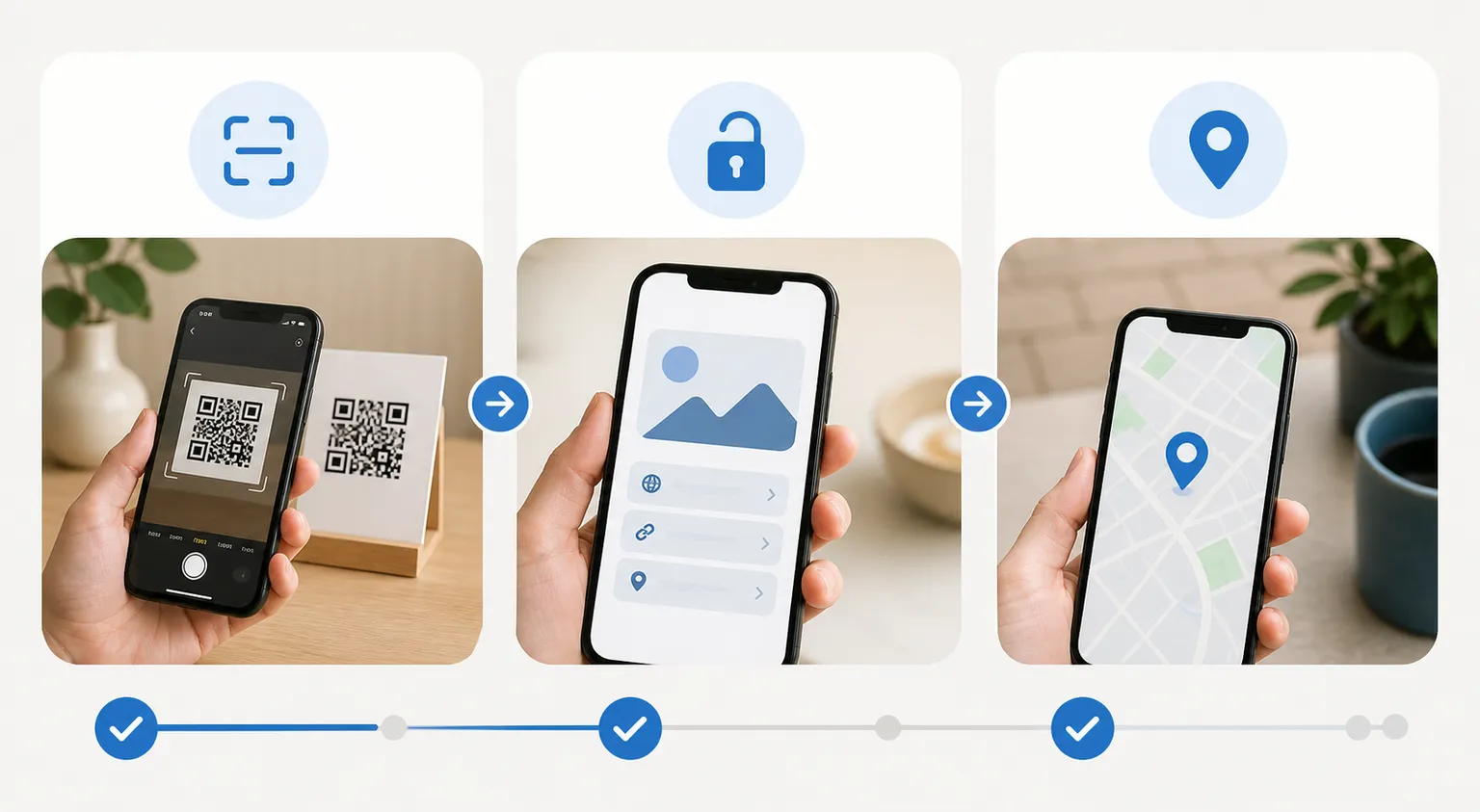
A scan has to clear three separate hurdles, and it can trip on any one of them. First the camera has to find the code in the frame. Then the reader has to decode the pattern into text. Then whatever that text points to has to actually work. People lump all three together and start redesigning the graphic, when the graphic was never the problem.
So before you touch anything, decide which stage is failing. It takes thirty seconds and saves you an afternoon.
Stage one: the camera cannot even find it
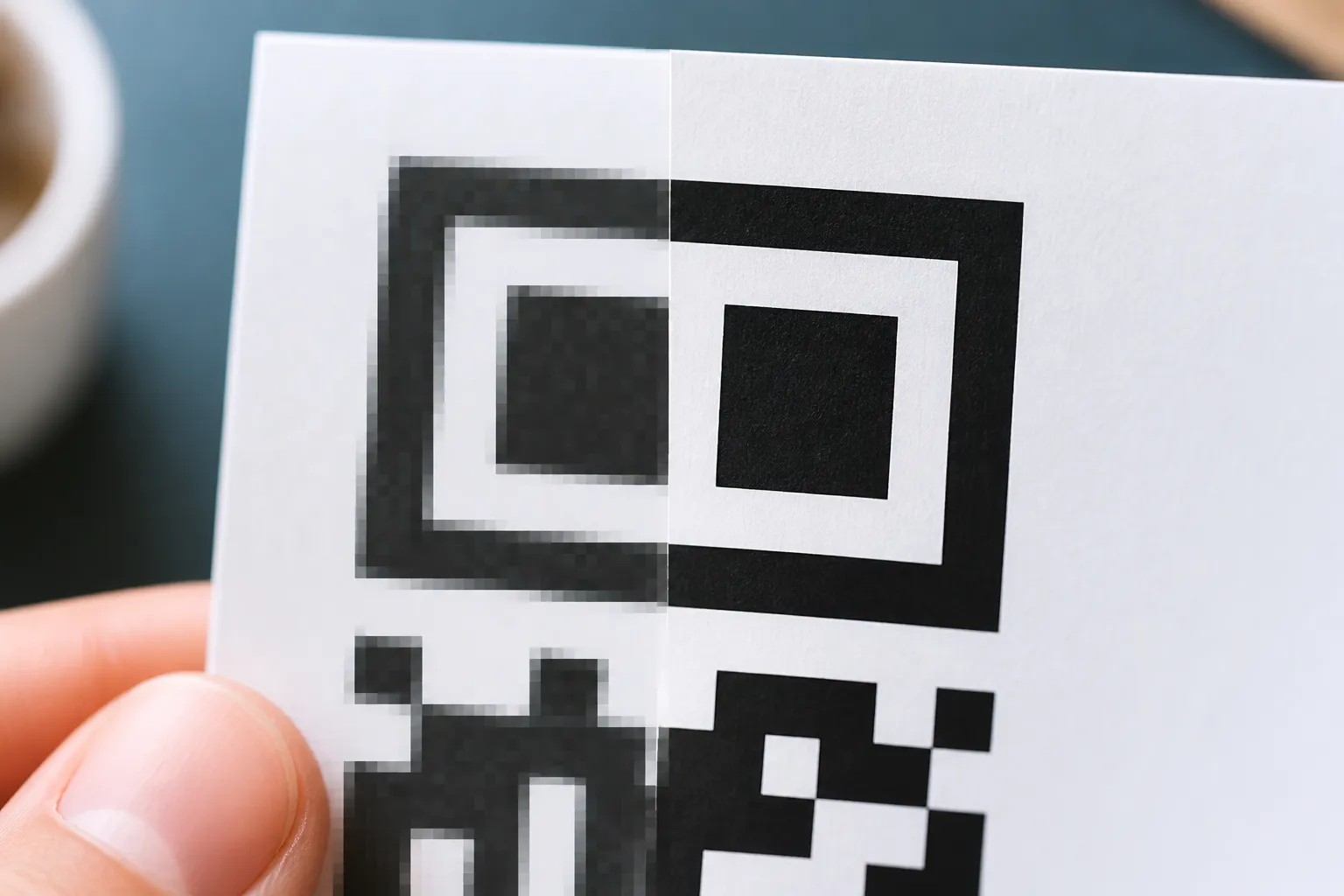
The three big squares in the corners are called finder patterns, and they are how a scanner recognises that it is looking at a QR code at all. Anything that hides or confuses them stops the scan before it starts.
The usual culprits are boringly physical. A decorative frame drawn right up to the edge. Glare, like the caterer’s spotlights. A busy photo behind the code that gives it no contrast to sit against. Or a missing quiet zone, that plain empty margin the code needs to breathe. Designers hate the quiet zone because it looks like wasted space, and they crowd it constantly.
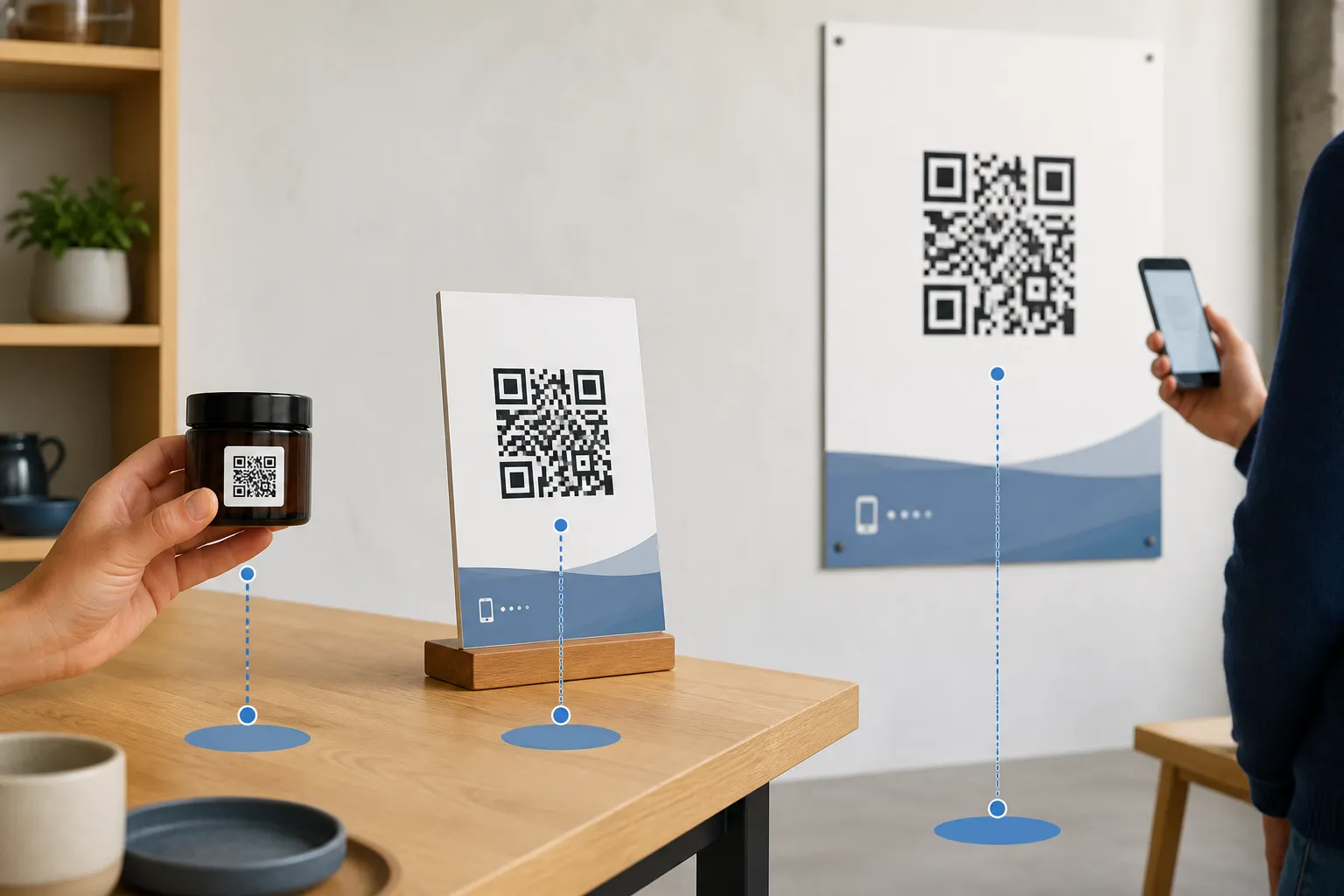
Distance is the other detection killer. Hold a code too far away and it occupies too few pixels for the camera to resolve. Hold it too close and the lens cannot focus. If a code sits on a wall poster and nobody can scan it from where they naturally stand, the answer is a bigger code, not a stern sign telling people to step closer.
Stage two: found, but not decoded
Now the camera sees the code but the reader cannot turn it into text. This is where density bites. Every extra character you cram into a payload adds modules, the tiny squares get smaller, and once they get small enough your printer or a resized image smears neighbouring squares into each other. A phone number and a 300-character tracking URL produce very different codes at the same physical size.
Logos are the other frequent offender. A code carries spare data through error correction, and a modest centre logo usually rides along fine. But people paste an oversized logo over a third of the symbol, then wonder why it dies the moment a scratch or a fold eats the last of the recoverable data. Folds, curves on a bottle, and steep viewing angles all quietly consume that same error-correction budget.
The fix is to strip back to a clean export, shorten the payload, shrink or drop the logo, and reprint without glossy effects. Add nothing back until it scans, then reintroduce your design one change at a time.
Stage three: it decodes, but nothing good happens
Sometimes the scan is flawless and the result is the failure. The code decodes to a URL, and that URL is dead, or it redirects through an expired link service, or it rejects mobile traffic, or someone fat-fingered the address. Wi-Fi codes love to break here too, usually an escaping mistake in a password that contains a semicolon or a backslash.
Diagnosing this is easy and people skip it anyway. Use a reader that shows you the decoded text instead of auto-opening it. Read the text. Then type that exact URL into a private browser window, on the network the code will actually live on, and see what loads. Do not let a scanner silently open unknown links while you are debugging, and do not assume the graphic is broken until you have looked at what it decodes to.
A sequence that never lies to you
When a code is genuinely misbehaving, I run the same order every time:
- Scan the original exported file on a screen. If that fails, the problem is the source, not the print.
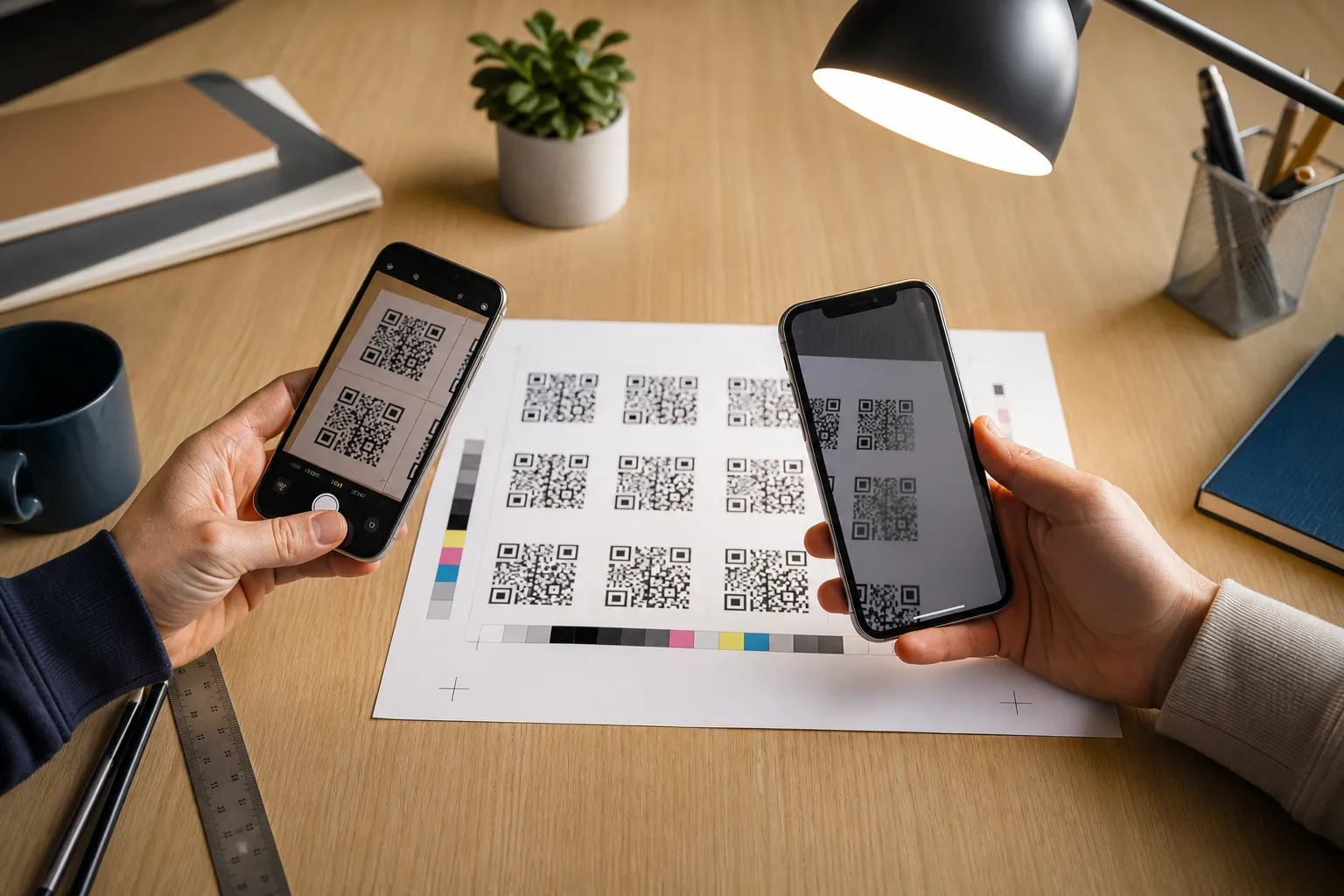
- Decode it with a second, different reader app to rule out one flaky scanner.
- Read the recovered text character by character. Look for typos, stray spaces, wrong protocol.
- Test the destination or the Wi-Fi join on the real target network.
- Only now scan the physical printed object, under plain neutral light.
- Change exactly one variable at a time. Size. Contrast. Logo. Material. Payload length.
The magic is in the split between steps one and five. If the file scans and the printed card does not, you have proven the encoding is fine and the fault lives in sizing, layout, printing, material, or lighting. That single fact eliminates half the possible causes in one move.
The lesson from the laminated menu
Come back to that caterer. Her payload was correct, her file scanned, her printer was innocent. The whole failure was one reflection on a glossy finish under hard lighting. Moving the code to a different spot on the card did nothing, because the glare followed the gloss. Switching to a matte laminate, or angling the card out of the direct beam, fixed it permanently.
That is the pattern worth remembering. Most “broken” codes are not broken at all. They are the right code meeting the wrong surface, the wrong light, or the wrong distance. Find the stage that is failing first, change one thing at a time, and you will fix the actual problem instead of redesigning around a ghost.
Create the code you need
Use HighEndDIY’s private browser tool, then test the result in the setting where people will scan it.
Create a QR CodeFound something that should be corrected? Email [email protected].