The dangerous thing about a QR code is not the code. It is that you cannot read it. A web link on a poster shows you where it goes, so your eyes get a vote before your thumb does. A QR code shows you a field of black squares that could point anywhere, and by the time your phone reveals the destination, you have already decided to trust it because it was printed on an official-looking sign in a place you felt safe.
That gap, between how safe a code feels and how safe it actually is, is where nearly every real problem lives. So the honest answer to “are QR codes safe” is: the pattern itself is harmless, and the destination is where you should aim all your caution.
What a code can and cannot do
A printed QR code is just stored data. It does nothing on its own. Your camera or scanner decodes it, sees what kind of data it holds, and offers you an action. Most commonly that is a website, and most modern camera apps show you the domain before they open anything. Some codes carry other payloads: one can pre-fill an email, dial a number, join a Wi-Fi network, or drop an event on your calendar.
Nothing there is automatic. The code cannot install an app, take a payment, or empty an account by itself. Every consequential step needs you to tap “open,” “connect,” or “pay.” That preview screen your phone shows is the single most useful safety feature you have, and it is wasted if you swipe past it. Treat it as a checkpoint. If the action is not what you expected from the sign, stop there.
Where the real risks come from
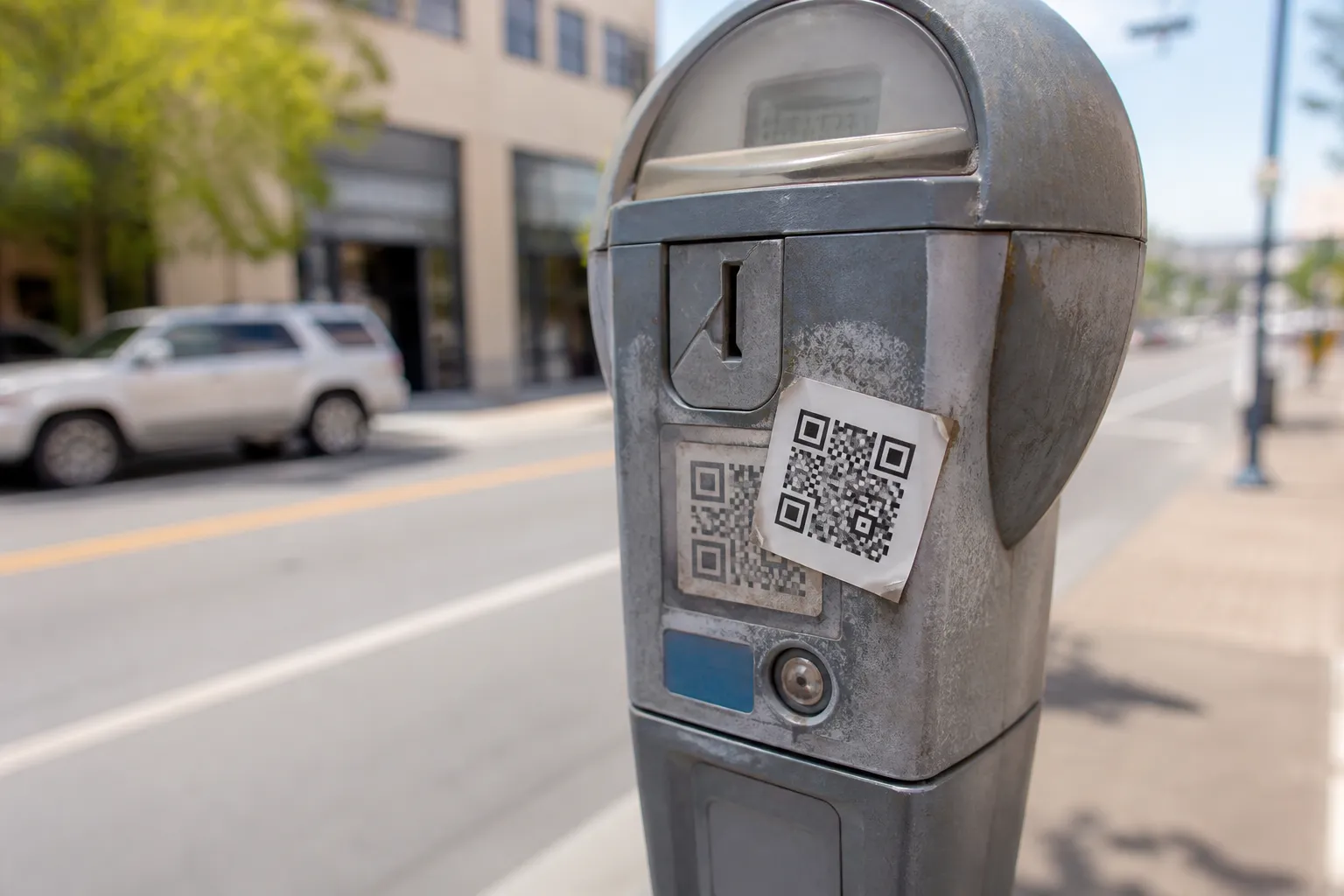
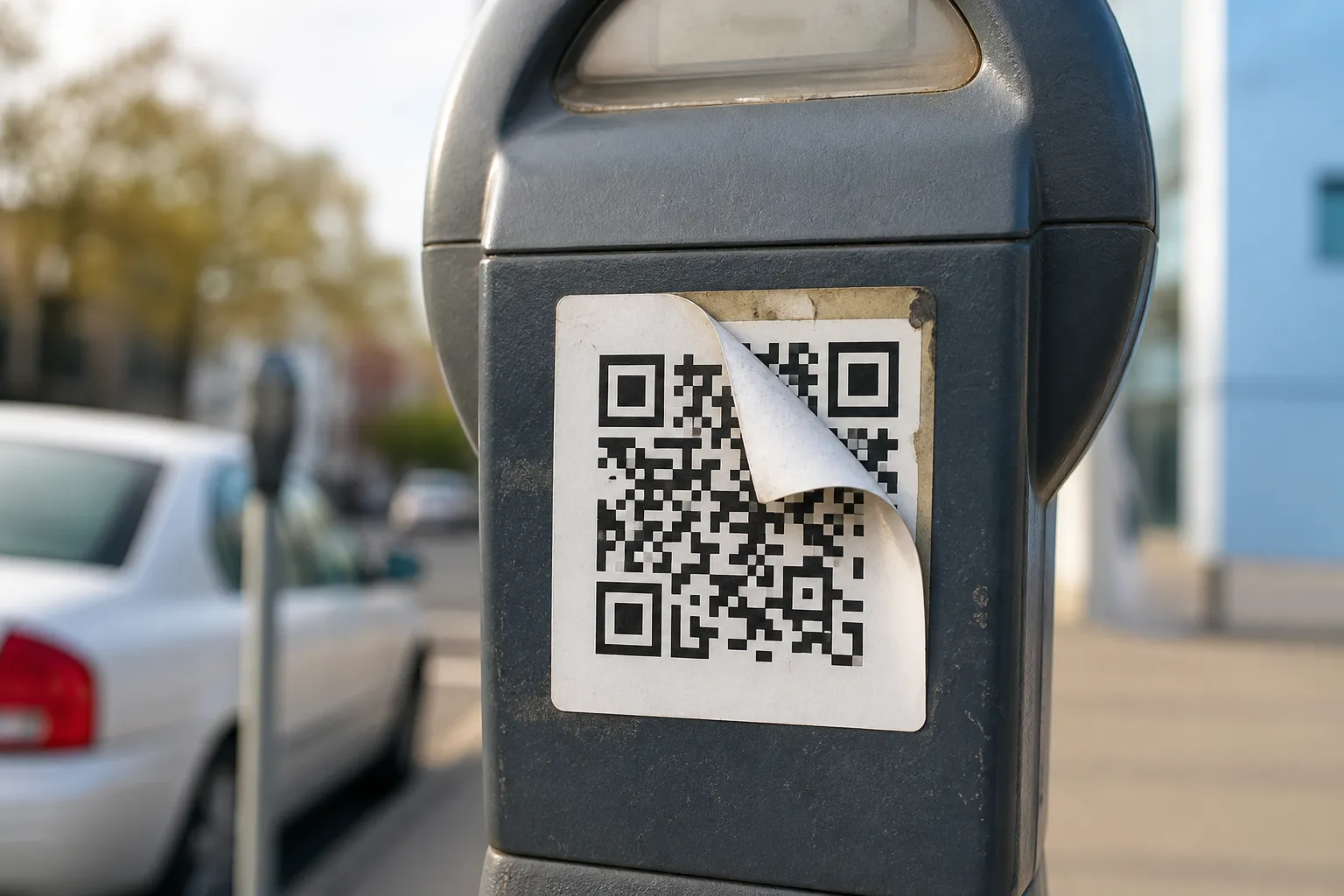
The most common attack is almost insultingly low-tech: a sticker. Someone prints a fraudulent code and slaps it over the legitimate one on a parking meter, a restaurant menu stand, a payment terminal, or a public sign-in poster. The surrounding graphics stay genuine, so everything looks official, but the code now points somewhere else. This is why a code that peels, sits crooked, or shows a sticker-over-sticker edge deserves a second look. How to recognize a suspicious QR code walks through these physical tells in more depth.
Beyond the physical trick, attackers lean on the same tools as email phishing: lookalike domains that swap one letter, shortened URLs that hide the real host, convincing fake login pages, and urgent language designed to rush you past your own judgment. A code can also turn dangerous without anyone touching the sign, if the legitimate website it points to gets compromised.
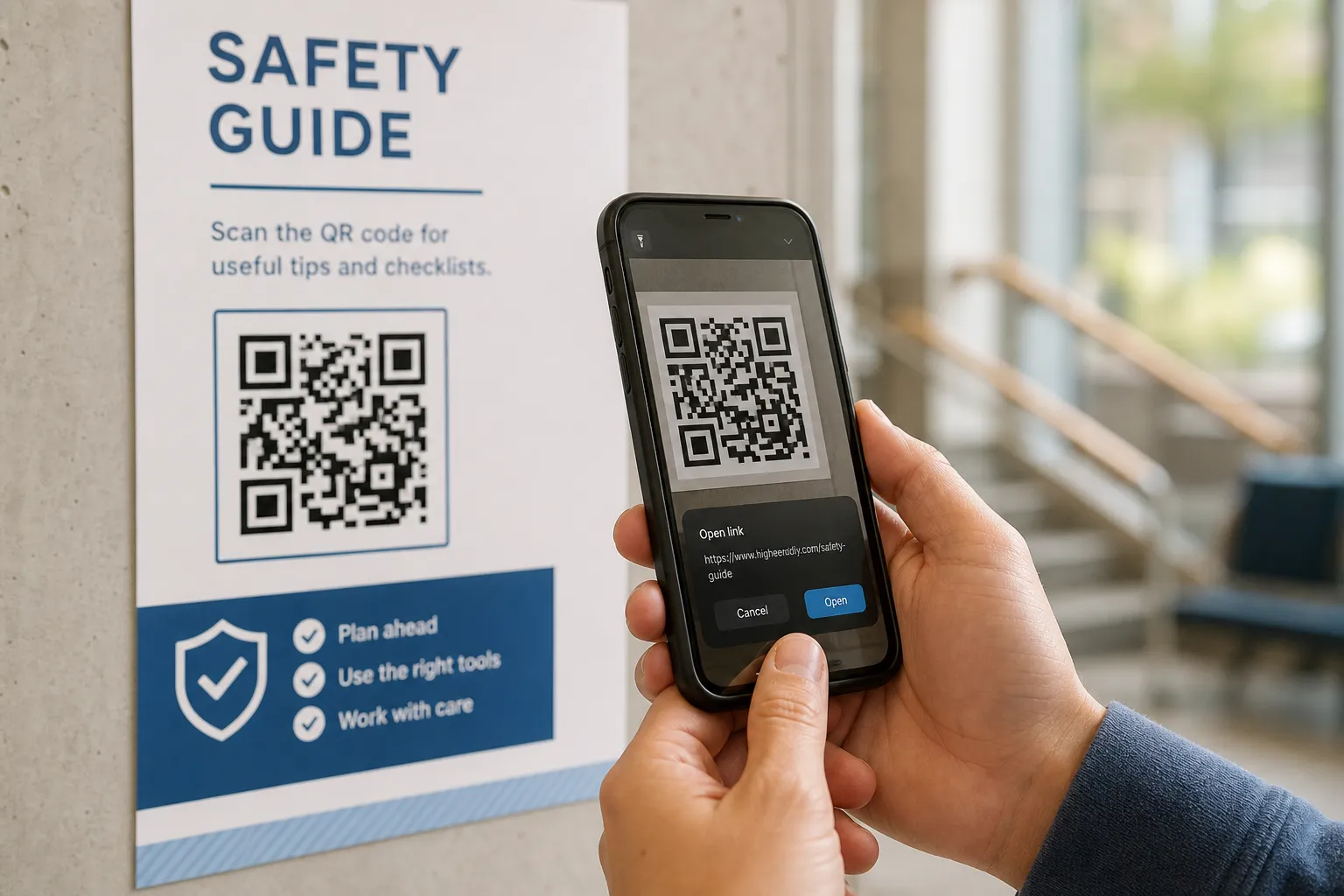
There is one more thing worth naming. The pattern does not encrypt anything. A code containing a Wi-Fi password, an event ticket, or a private token can be read straight from a photograph by anyone who sees it. The visual noise looks secure, but it is plain text wearing a costume. Privacy considerations for QR codes covers what that means in more detail.
Habits that keep everyday scanning safe
None of this means you should stop scanning codes. It means building a few small habits that cost you two seconds each.
- Glance at the physical sign for a sticker over a sticker, a crooked overlay, or an edge that lifts. Tampering usually leaves a mark.
- Read the domain in the preview before you open it. A real bank does not live at a misspelled address.
- Get suspicious the moment a scan demands payment, login credentials, an app install, or device permissions you did not expect.
- When the stakes are high, skip the code entirely. Open your banking app directly, or type the address you already know into your browser.
- Keep your phone’s operating system and browser updated, so known traps are already closed.
- Report a tampered or suspicious code to the venue. You may be the reason the next person does not get caught.
Habits for anyone who publishes codes
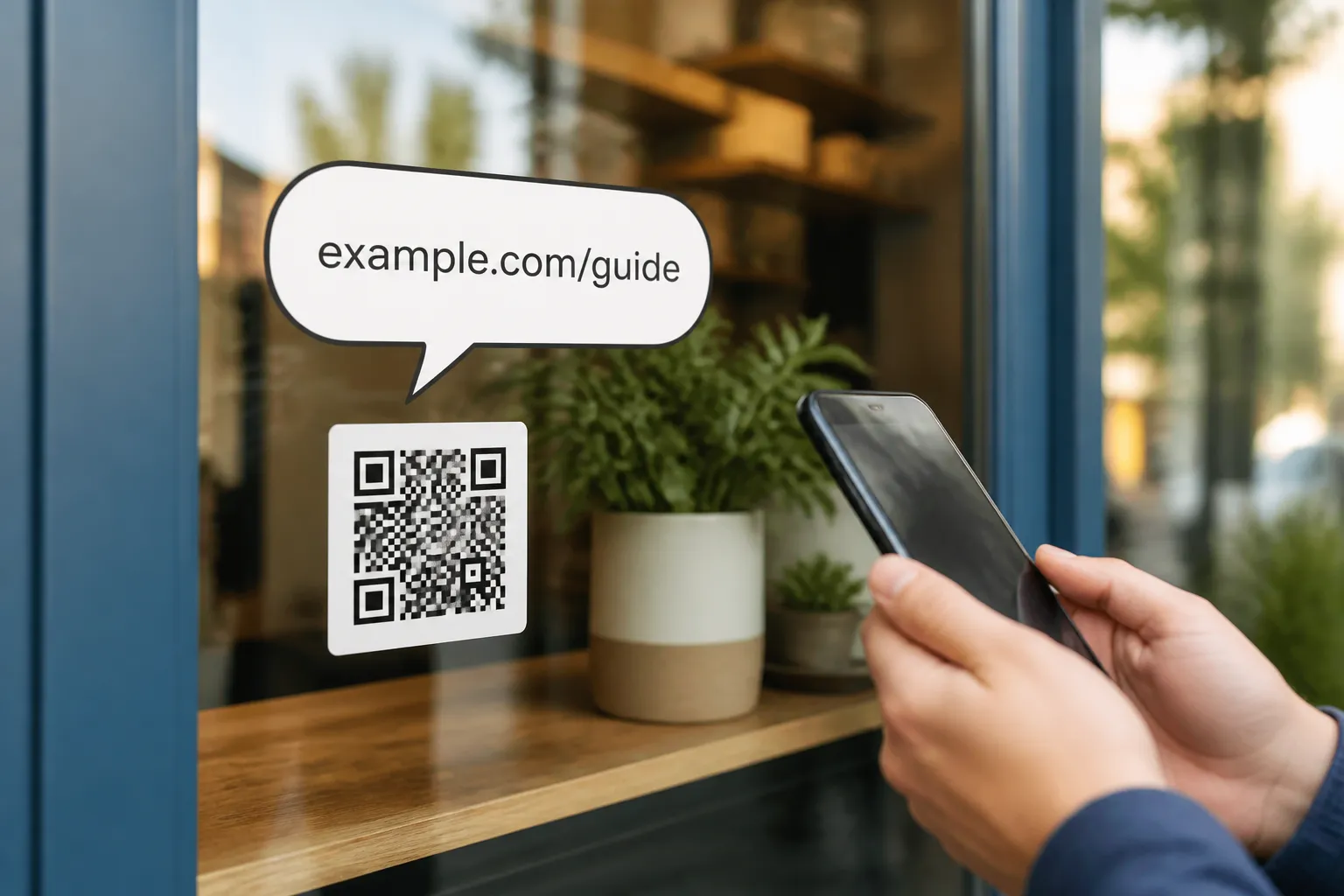
If you are the one printing codes, half the safety burden is yours, and meeting it also builds trust. Point your codes at a domain you own and recognize, and print that domain in plain text right beside the code so people can verify it or type it themselves. Describe the expected action so a scanner knows what they are agreeing to before they tap.
Keep sensitive data out of any public pattern, because public means readable by everyone. Control tightly who can change a redirect or a destination, since a dynamic code is only as safe as the account behind it. Monitor long-lived pages, and physically inspect your placements on a schedule, especially anything near money. Running a public rollout through a pre-launch checklist catches most of this before printing.
A worked example
A payment sticker turns up on a public machine. The panel around it clearly names city.example, the operator you would expect. But the camera preview shows a different host, misspelled, with an extra word tacked on. That mismatch is the entire tell.
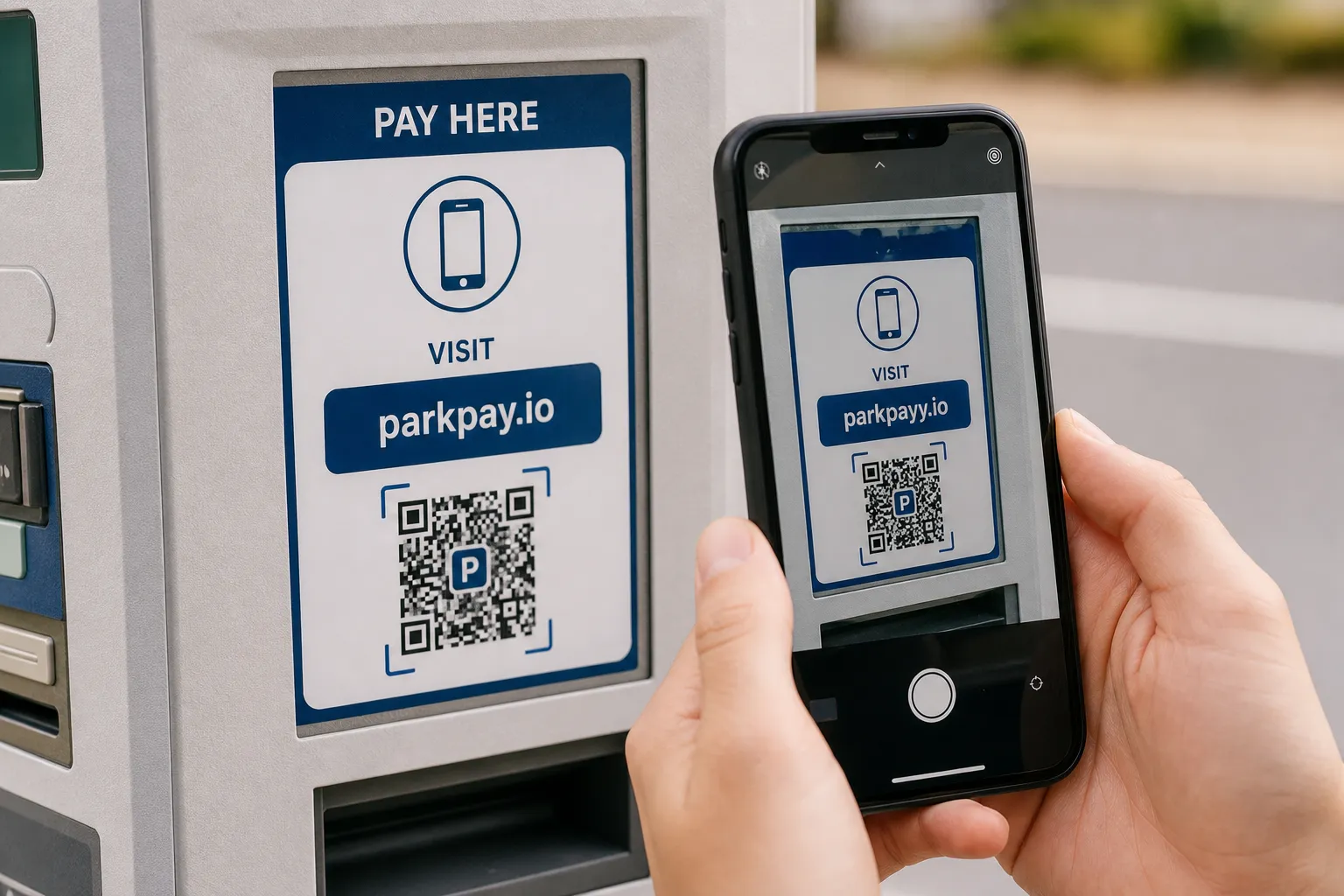
The safe move is not to open the page “just to see if it looks right,” because a convincing fake is designed to look exactly right. The safe move is to cancel, pay through the official app or a website you found yourself, and report the sticker to the operator.
That is the mental model worth keeping. The code is a messenger, not a menace. Read the message before you act on it, be extra careful when money or credentials are involved, and the honest answer to whether QR codes are safe becomes a practical one: yes, as safe as the destination you take the trouble to check.
Sources and further reading
Create the code you need
Use HighEndDIY’s private browser tool, then test the result in the setting where people will scan it.
Create a QR CodeFound something that should be corrected? Email [email protected].