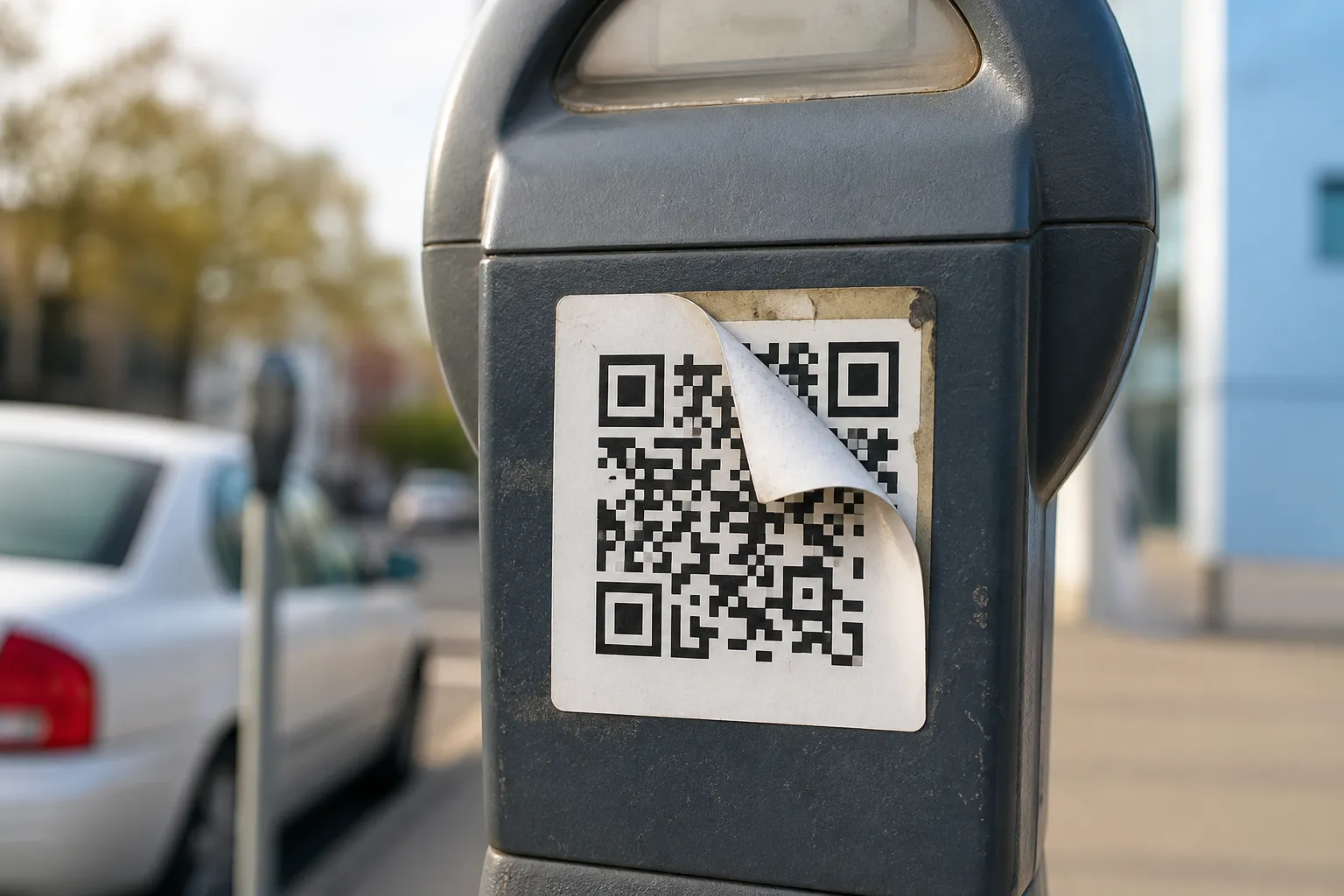
I watched a man in a car park in Lisbon squint at a parking meter, tap a QR sticker, and start typing his card number into a page that asked for it before it would show him the tariff. The sticker was newer than the sign it sat on. The corners had already curled in the sun. I asked him to stop and look at the little URL preview his own phone had shown him for half a second. He had not read it. Almost nobody does.
That is the honest starting point for this whole subject. You cannot look at the black-and-white pattern of a QR code and tell whether it is safe. The modules are not a signature or a seal. A criminal’s code and a bank’s code look identical to your eye. So the trust has to come from somewhere else - the physical object, the preview your phone gives you, and the thing you are being asked to do next. For the wider picture beyond this one checklist, see are QR codes safe.
Look at the object before you look at the code
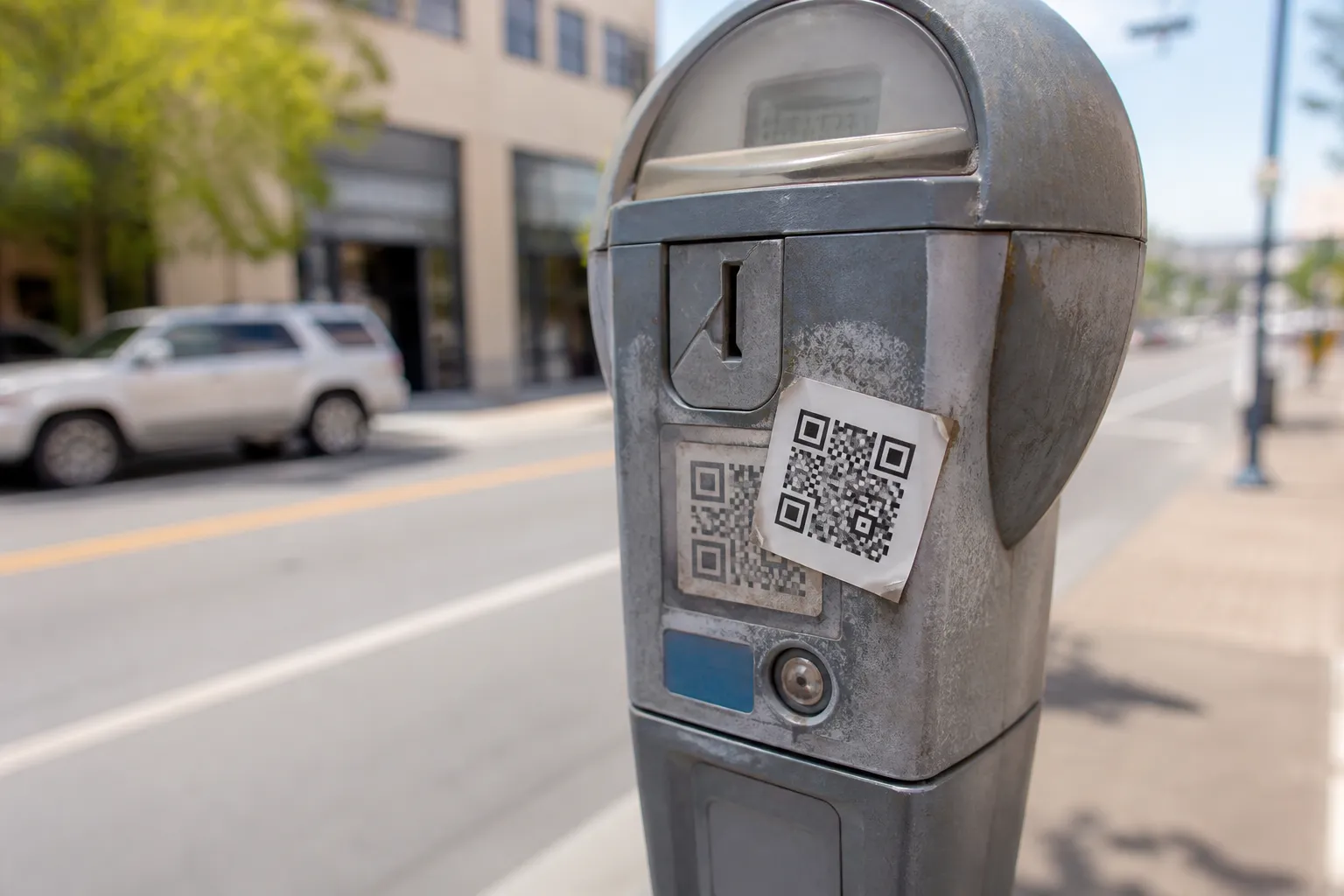
The most common attack in the wild is also the dumbest: a sticker placed over a legitimate code. Parking meters, restaurant tables, guest Wi-Fi cards, EV chargers, and event posters are all soft targets because they live outdoors and nobody guards them. So before your camera comes out, look at the surface the way a suspicious person would.
- Is there a sticker sitting on top of another sticker? Run a thumbnail along the edge. A lifted corner or a slightly different paper stock is a real signal.
- Does the print quality match its surroundings? A crisp inkjet square glued onto a faded, professionally printed sign is a mismatch worth trusting.
- Is the code where a real organisation would actually put one? A handwritten “Scan to pay” taped to a meter, when the meter has a working card reader, makes no sense. Legitimate operators rarely improvise, and anyone publishing their own codes can avoid causing this confusion by working through a proper pre-launch checklist before printing.
None of these is proof. A clean, official-looking label can still be malicious, and a scruffy one can be perfectly genuine. But tampering is physical, and physical clues are the easiest ones to catch before you have committed to anything.
Read the preview like it matters, because it does
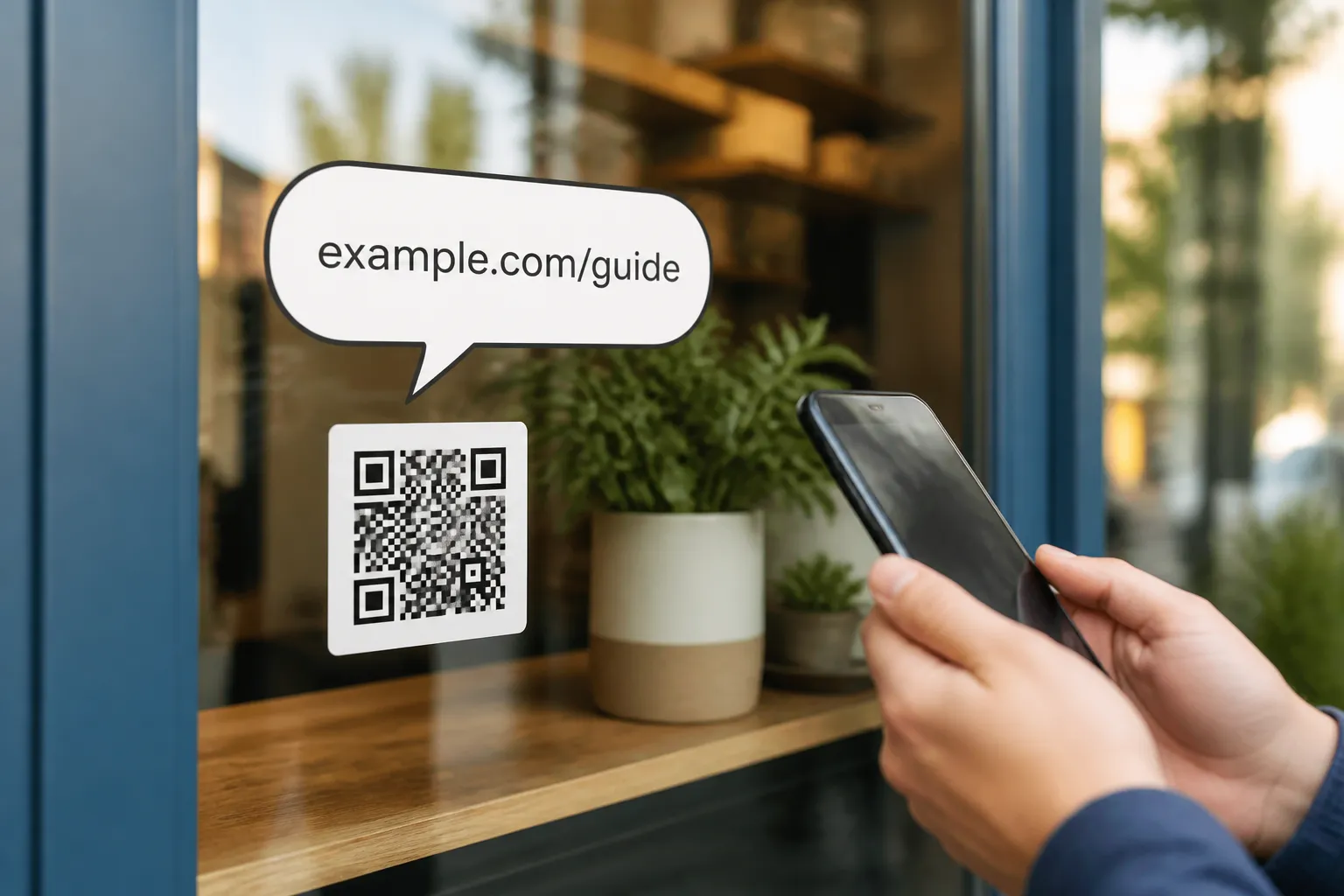
Every modern phone shows you the decoded link for a moment before it opens. That preview is the single most useful safety tool you have, and the trick is knowing where to look inside it. Read the host from right to left, not left to right.
Take login.yourbank.example.com. The part that actually decides who owns the site is the registered domain nearest the end: example.com. Now look at yourbank.example.com.account-verify.ru. It starts with your bank’s name, which is exactly the point, but the real owner is account-verify.ru at the tail. Attackers stuff trusted words at the front because they know your eye stops reading after it sees something familiar.
Other things that should slow you down: a link that is not HTTPS, an unfamiliar link shortener hiding the real destination, a raw numeric address instead of a name, or small spelling swaps like a zero for an O or an “rn” arranged to look like an “m”. This rule of thumb is deliberately simplified. Internationalised domains and unusual public suffixes can fool even careful readers, so for anything genuinely high-stakes, close the preview and reach the service through a bookmark or its official app instead.
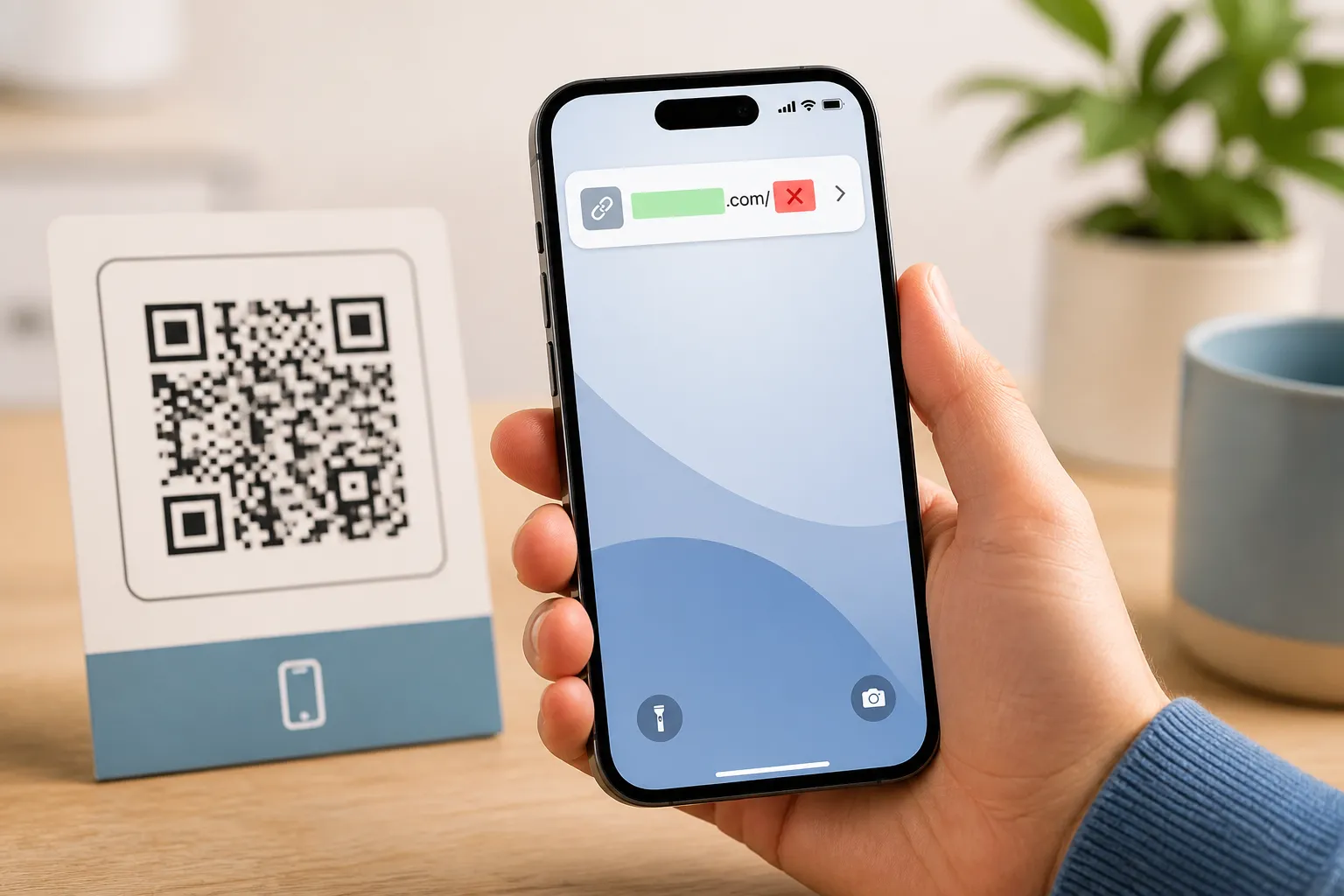
Ask what the code wants from you
The pattern cannot hurt you. The next screen can. So the sharpest question is not “is this code safe” but “is what it is asking for reasonable for where I am standing?”
Treat these requests with suspicion whenever a QR code produced them out of nowhere: a password, your full card details, a one-time login code, cryptocurrency, an app install prompt, a “configuration profile” your phone wants to add, or broad permissions like contacts and location. A poster for a local museum has no legitimate reason to ask for your banking password. A parking meter should not need to install anything.
Watch the emotional temperature too. Urgency and threat are the engine of almost every scam. “Pay within five minutes or your car will be towed.” “Your account closes tonight.” Real institutions move slowly and give you other ways to act. Manufactured panic exists to stop you reading the very preview we just talked about. This exact pattern has a name, QR-code phishing, and it works by borrowing the trust of wherever it is posted.
A worked example
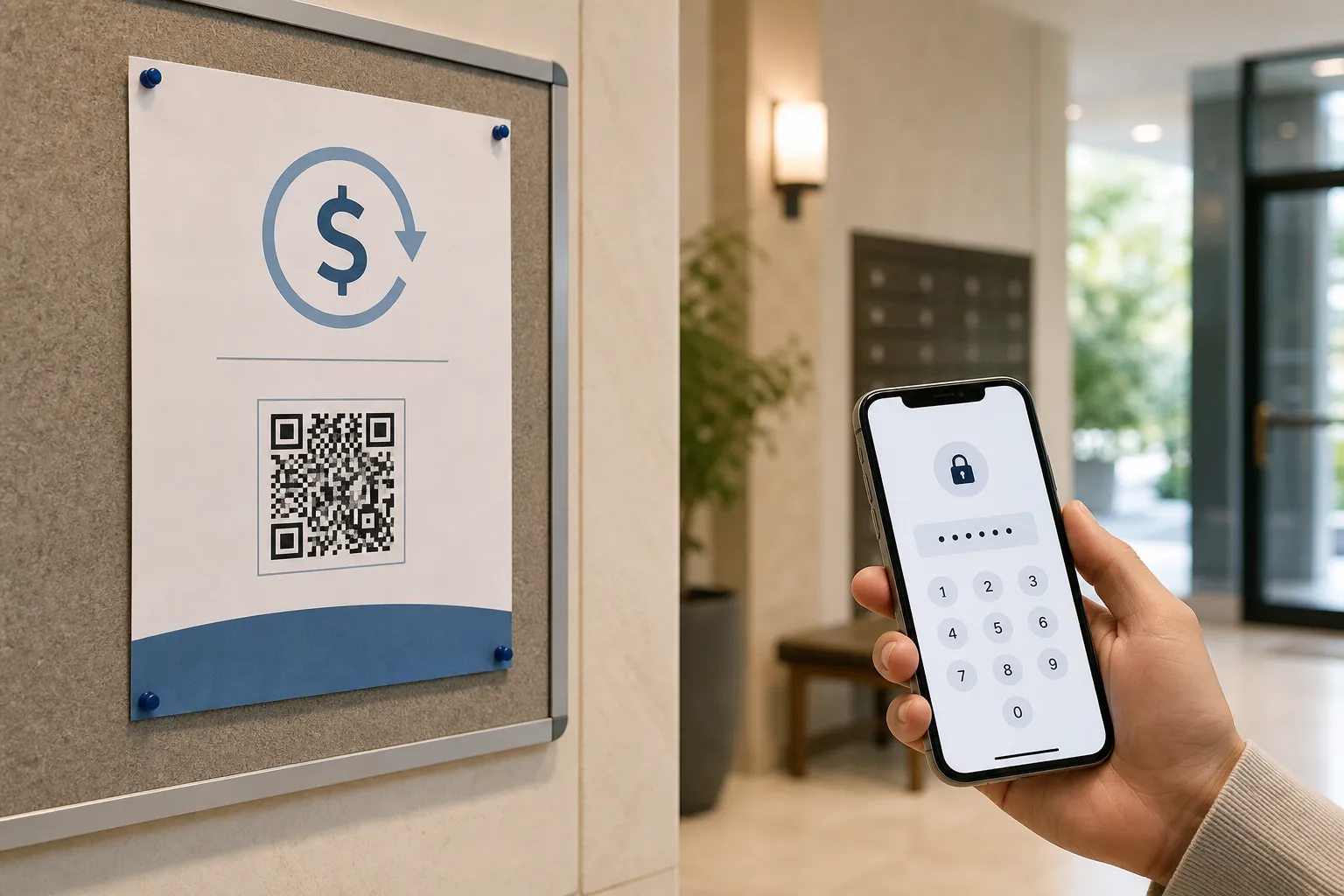
A printed flyer appears in an apartment lobby promising residents a maintenance refund. The flyer shows the management company’s name and logo. You scan it out of curiosity, and your phone’s preview shows a domain that is close to the management company’s real one but not the same - a hyphen added, a word reordered. The page then asks for your online banking password to “process the refund.”
Stop there. You do not need three red flags; you have already collected them. The domain does not match, the request is for a banking credential, and the whole thing arrived unsolicited. The right move is to ignore the flyer entirely and contact management through the phone number printed on a statement you already trust. Then tell them a fake flyer is circulating, because you are almost certainly not the only resident who scanned it.
If you already tapped through
Scanning a bad code is not the disaster. Handing over information is. If you opened a suspicious page, close it and enter nothing. No harm has been done by looking.
If you did type something in, act calmly and in order. Stop entering anything more. Reach the real organisation through a channel you already trust - a number on an old statement, the official app, a bookmark - never a link from the message that worried you. If you entered a password, change it from a device you trust and turn on multi-factor authentication where the service offers it. If money or card details were exposed, call your bank promptly; they deal with this daily and can freeze or reissue quickly. Speed matters more than embarrassment. For a broader map of what a scan can reveal about you even when nothing goes this wrong, see privacy considerations for QR codes.
The underlying habit is simple and it survives every new trick: the code is just a doorway. Judge the door frame, read the address it points to, and question what waits on the other side before you step through.
Sources and further reading
Create the code you need
Use HighEndDIY’s private browser tool, then test the result in the setting where people will scan it.
Create a QR CodeFound something that should be corrected? Email [email protected].