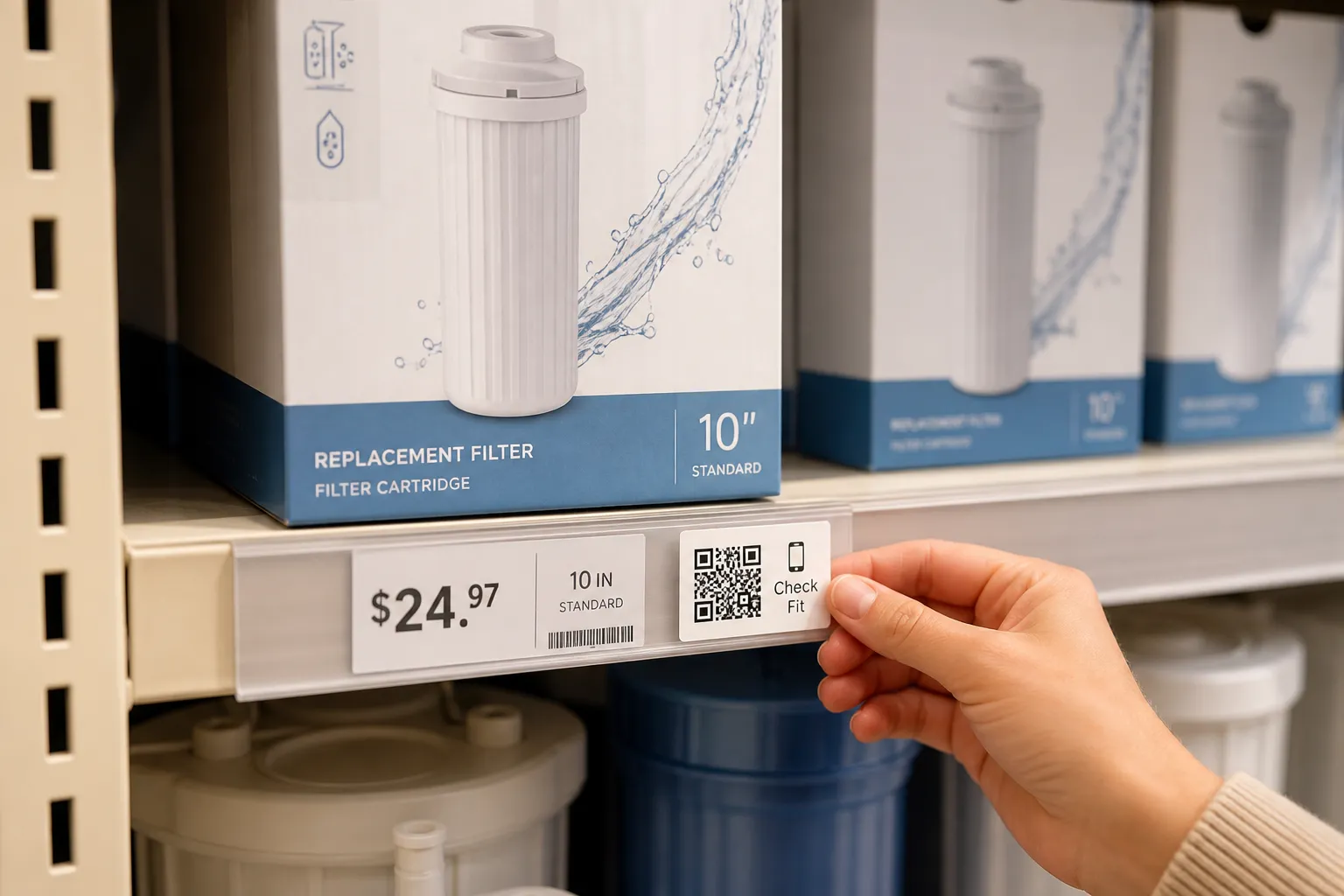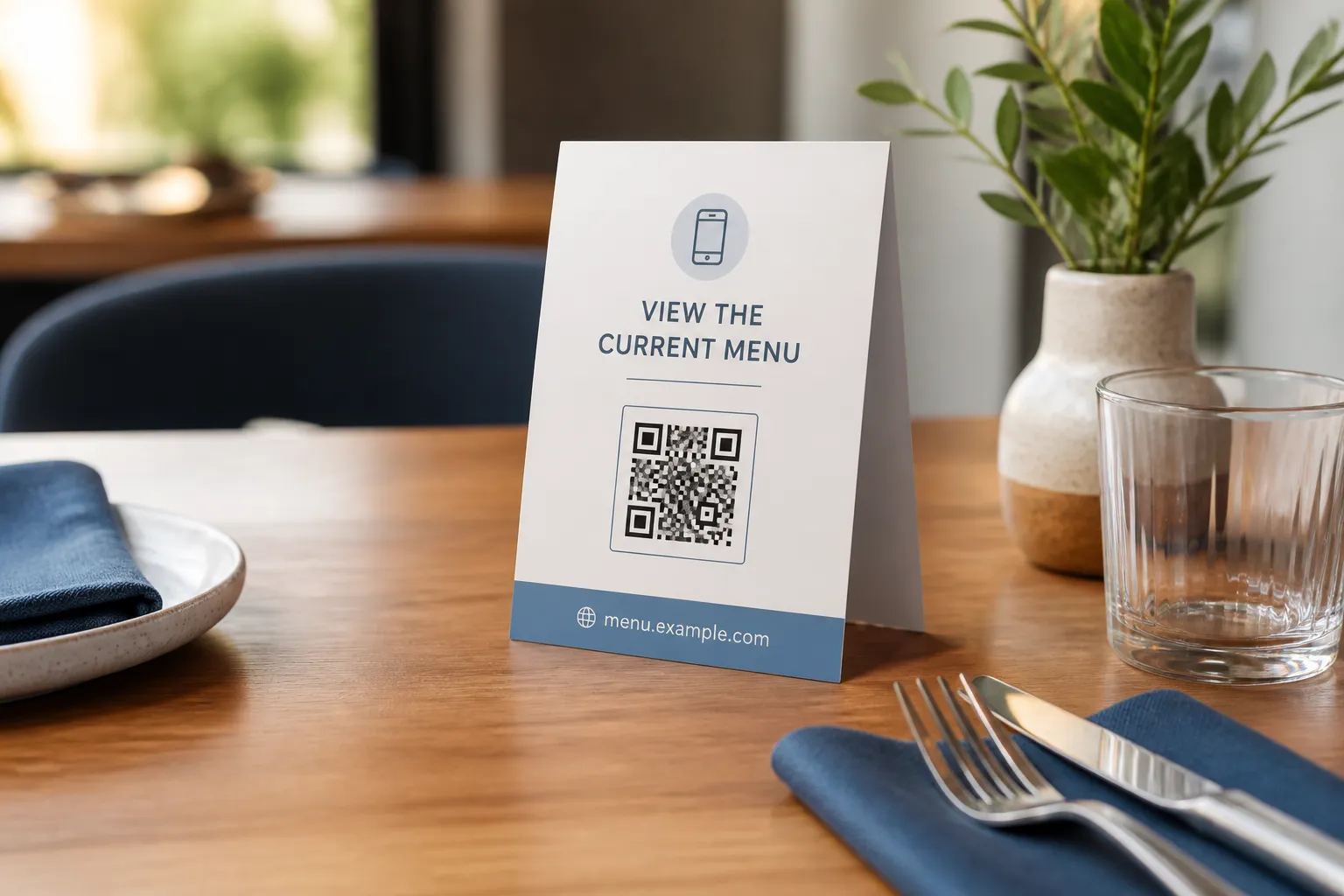
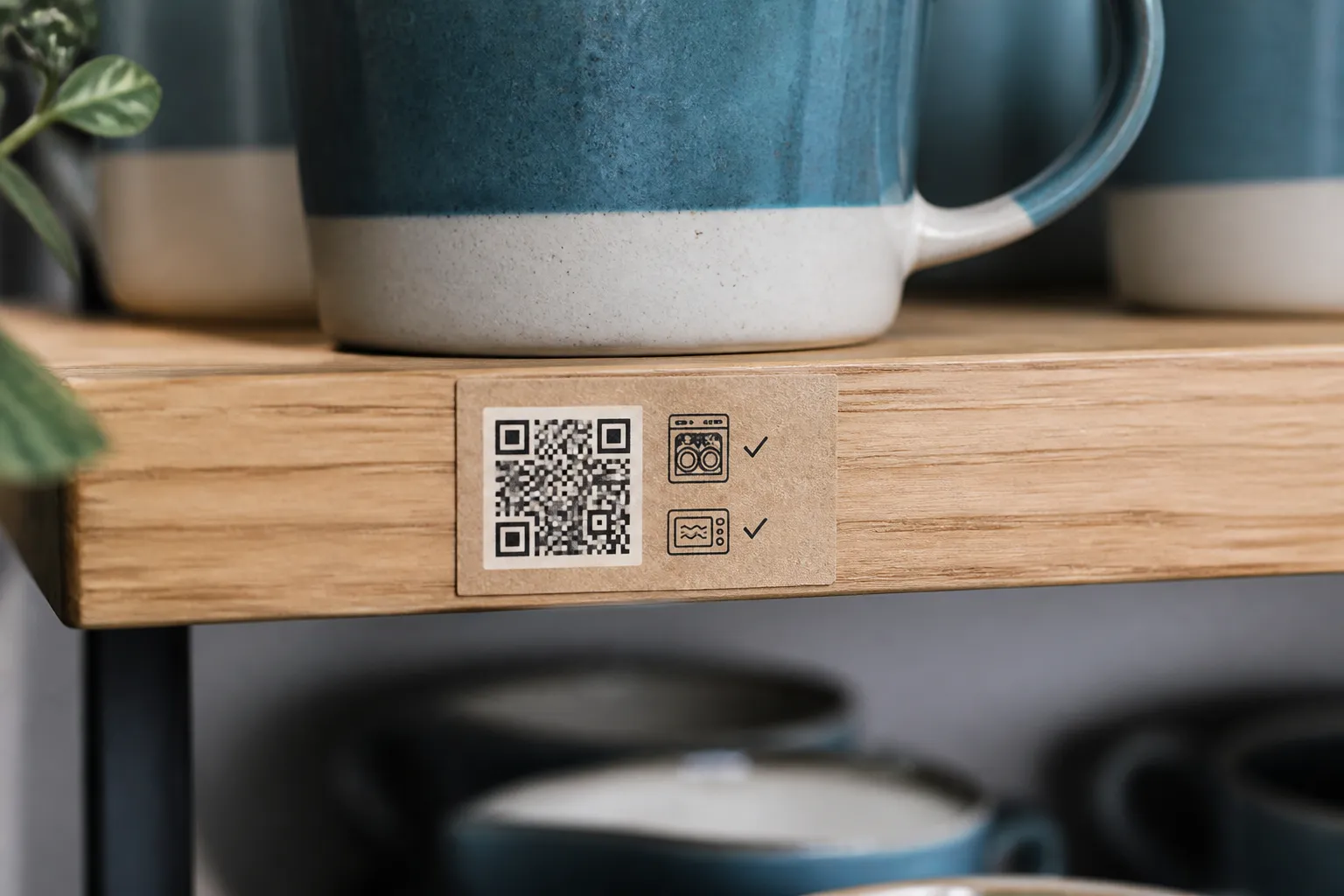
The most useful QR code I have seen in a small shop was on a shelf edge in a pottery studio. It opened one short page: how to wash a food-safe glazed mug so the finish lasts. No app, no signup, no marketing funnel. Just the answer to the question the customer was already holding in their hand. The least useful one, in a boutique two doors down, was a giant code on the door that opened the shop’s Instagram. Nobody scanned it, because nobody standing on a pavement wants to be handed a social feed. They wanted to know if the shop was open.
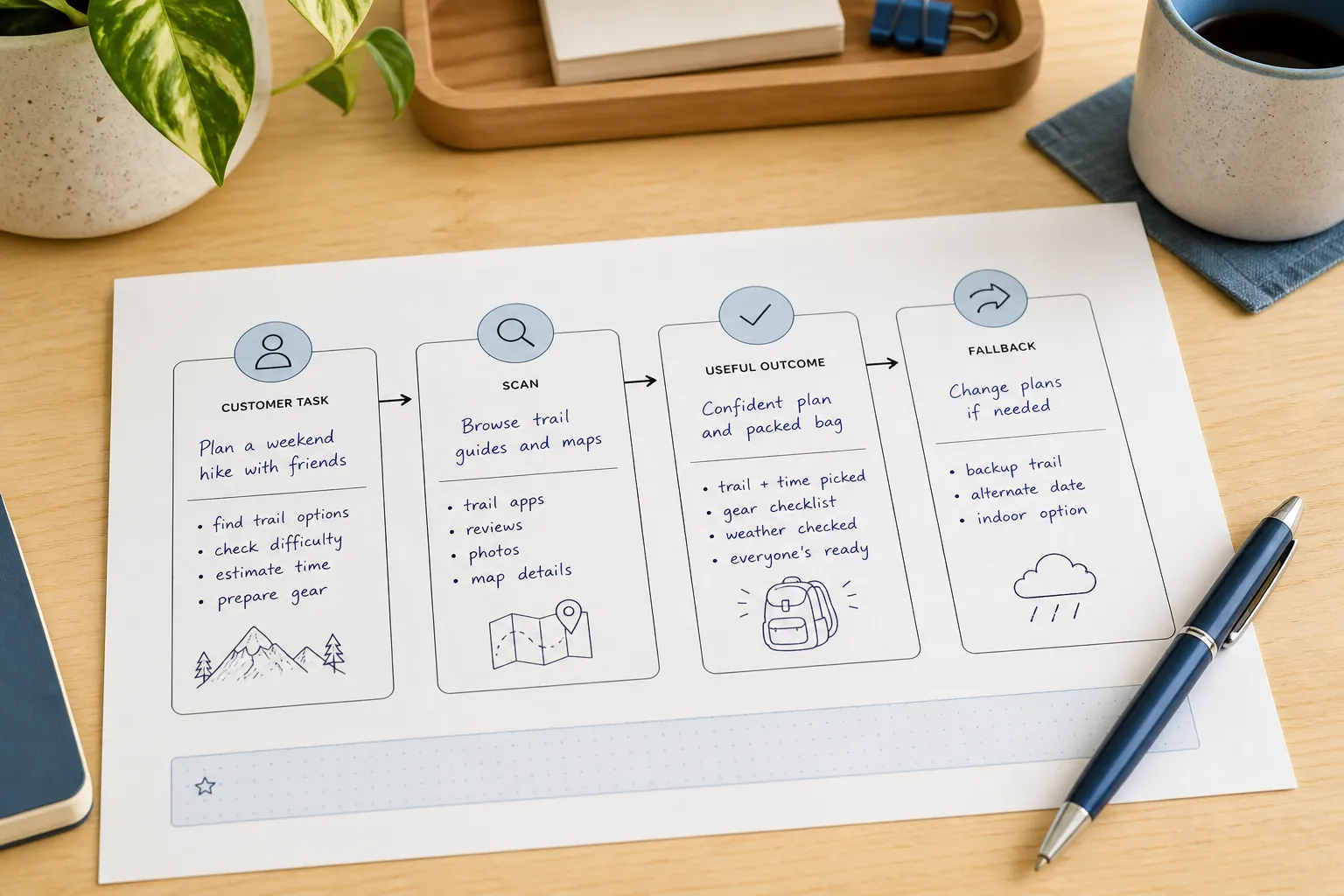
That is the whole difference. A good business QR code removes one specific piece of friction for the person standing in front of it. It does not exist to make a counter card look current. So before you print anything, name the customer’s actual task, then decide honestly whether scanning is faster, clearer, or more accessible than simply printing the answer or asking a member of staff.
Ideas that actually earn their square
The strongest uses share a shape: the customer has a live question, and the page answers it now. A few that reliably pull their weight:
- An appointment-preparation page, so a client arrives knowing what to bring and where to park.
- Current service or care instructions for something they just bought.
- An accessible digital menu that a screen reader can actually read aloud.
- Event registration, where typing a long URL on a phone is genuinely painful.
- A repair-status page sitting behind proper authentication.
- A tap-to-save contact card for a public business line.
Every one of these needs two things you cannot skip: a visible sentence saying what the code does, and a path for people who will not scan. A printed domain, a phone number, or a friendly “just ask us” covers the customer whose camera is playing up, whose battery is dead, or who simply does not trust unlabelled squares. The scan is a convenience layered on top, never the only door in.
Match the permanence of the code to the page behind it
This is where good ideas quietly rot. A countertop sign for a two-week promotion can point at a campaign URL that dies when the promotion does. A code carved into a permanent fixture, etched on a window, or printed on ten thousand packaging labels must point at a stable page on a domain you control and can still afford next year, the exact trade-off covered in static versus dynamic QR codes.
The trap is the unfamiliar link shortener or the subscription QR service nobody remembered to budget for. When that renewal lapses, every printed code becomes a dead end at once. Own the destination. Then assign a real person and a review date to it, so that when an offer ends, the landing page explains what changed and points somewhere useful, instead of dropping the customer into a generic 404 that makes the whole business look abandoned.
Three that work, and why
The repair shop. A code on the claim ticket opens general pickup instructions and opening hours, not a public URL with the customer’s ID baked into it. Anyone who finds a dropped ticket learns only when the shop opens. The private repair status lives behind a real login, because a booking reference on a scrap of paper is not authentication.
The pottery studio. The shelf label opens care instructions for the food-safe glaze, and the printed label itself still carries the two essential rules: hand wash, avoid sudden temperature changes. The code extends the safety information rather than hiding it, so a customer with a flat phone is not left guessing how to treat something they paid for.
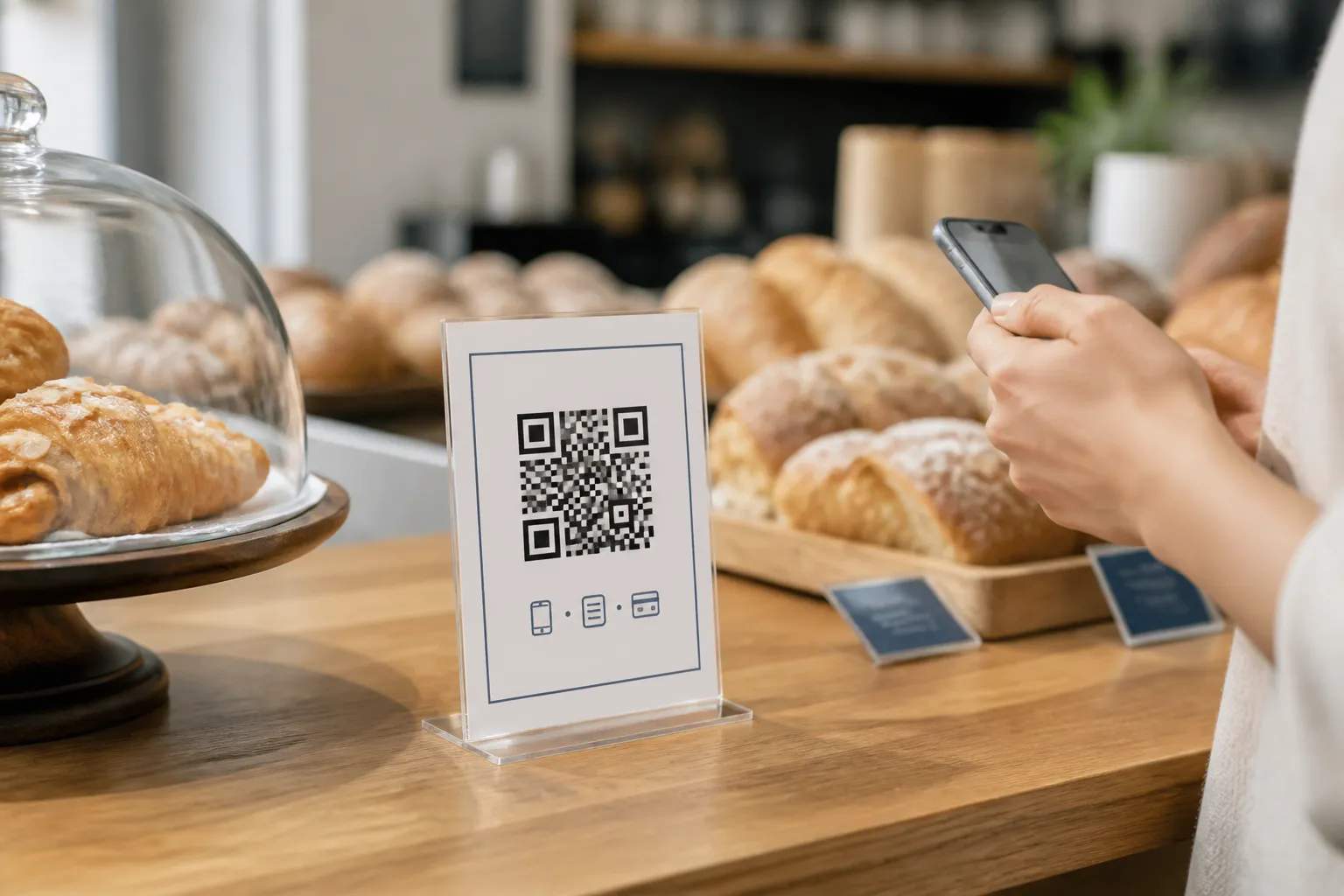
The neighbourhood bakery. A small counter sign opens the current allergen sheet, updated as recipes change. Staff stay available for the real conversation, the page shows a review date so it visibly is not two years stale, and the sign never pretends a scan replaces talking to a human about a serious allergy.
Notice the pattern. In each case the code adds convenience without becoming the only place critical information lives.
Do not weaponise the scan
There are uses that technically work and still erode trust, and small businesses feel that erosion faster than anyone because their reputation is local and personal. Do not hide a mandatory price, a basic safety warning, or essential accessibility information behind a code when it could simply be printed and visible. Do not dress an advertisement up as a “download.” Never put a scannable code somewhere people might scan it while driving. And never, under any circumstances, ask customers to click on ads to “support” the shop, which violates ad program rules and burns goodwill in one move.
The rule of thumb: if a reasonable customer would feel ambushed by what the scan reveals, do not build it that way.
Measure lightly, if at all
You may want to know whether the codes are working. Fair enough, but measure in a way you could explain out loud to the customer. Your web analytics should never receive a Wi-Fi password, a contact-form field, or raw generator input, and event names should not carry full URLs stuffed with personal data. Often a plain count of visits to a page you own tells you everything you needed: is anyone scanning this, yes or no. QR-specific surveillance is not automatically valuable, and for a small business the trust you keep by not tracking people is worth more than a dashboard nobody reads.
Start with one code that solves one real problem, give it an owner and a fallback, and let it prove itself before you print the next. The free QR code generator is a fast way to test that first idea before committing to a print run.
Create the code you need
Use HighEndDIY’s private browser tool, then test the result in the setting where people will scan it.
Create a QR CodeFound something that should be corrected? Email [email protected].