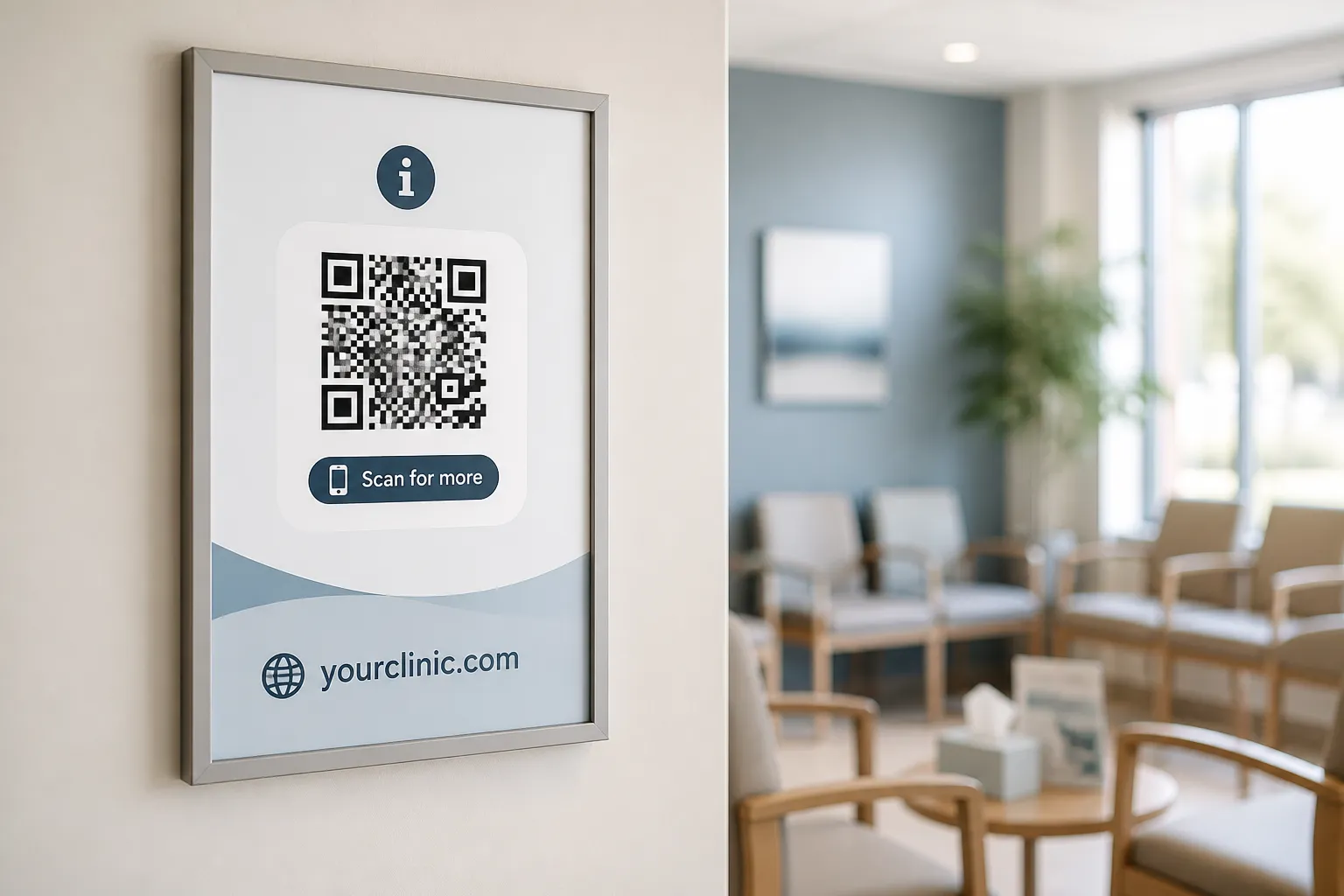
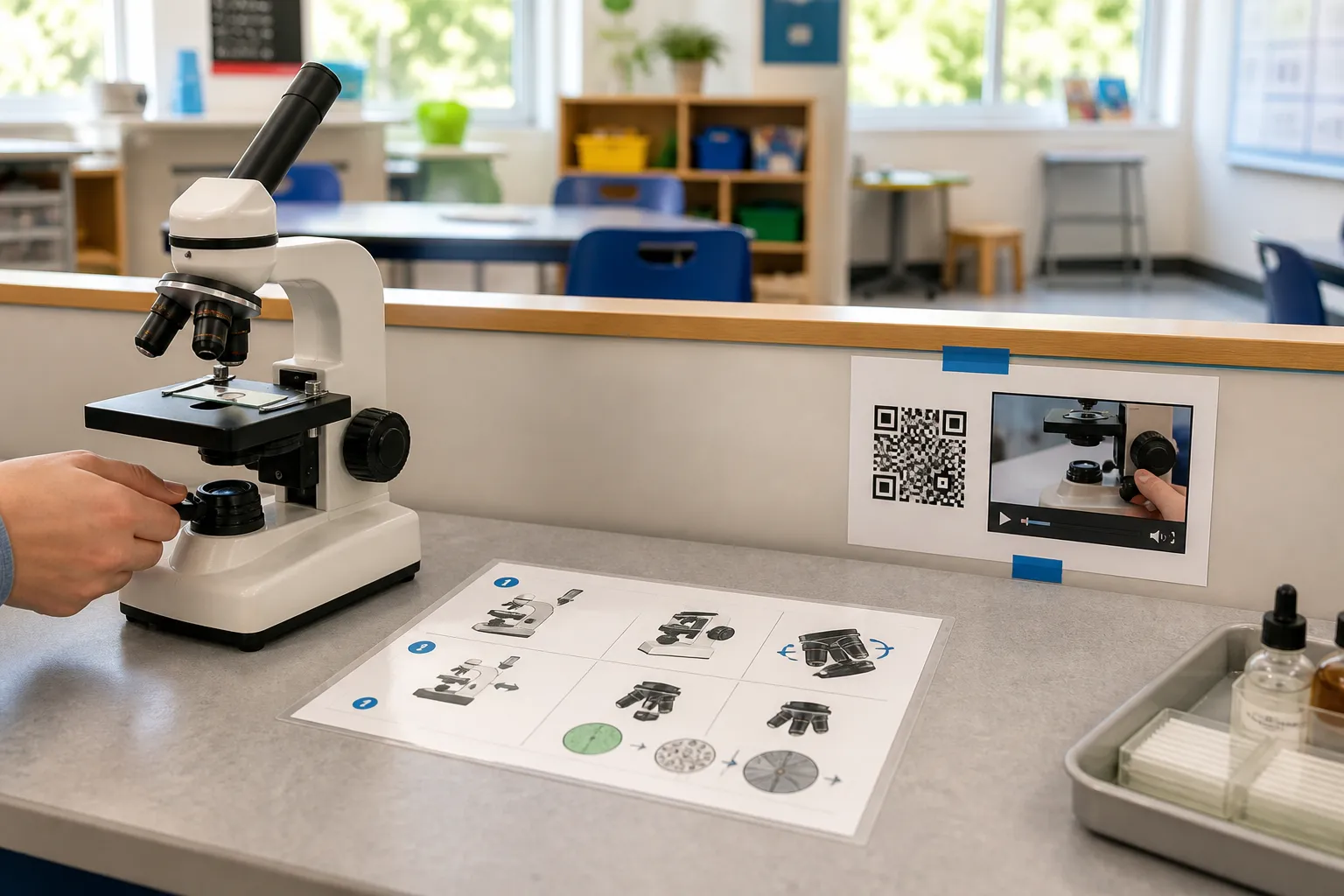
The first time I saw QR codes used well in a classroom, a teacher had taped one to the side of a microscope. Scan it and a thirty-second captioned clip showed exactly how to bring a slide into focus - the fiddly bit that eats a teacher’s time when eight hands go up at once. The instructions were also printed on a card right beside it. Students who scanned watched the clip; students without a phone read the card; the lesson moved. Nobody was singled out, and nobody typed a long URL wrong for the fifth time.
The first time I saw them used badly, a code was the only way to reach the homework. Three children in that room did not own a compatible phone. What the teacher intended as a convenience had quietly become an entry fee for the lesson, paid only by the families who could least afford it.
What a code should and should not do
The genuine value of a code in a classroom is narrow and real: it removes typing and links a physical activity to one carefully chosen digital resource, the same basic idea behind creating a QR code for a website anywhere else. Station instructions, a library catalogue entry, a captioned demonstration, an equipment setup video, a campus map, family-language resources, an optional extension task for the students who finish early - all of these fit the tool well.
The line to hold is this: the code adds depth, it never conceals the lesson. Learning objectives and essential safety instructions belong in plain sight, readable without a device. If a learner has to scan to find out what they are meant to be doing or how to stay safe with the equipment, the code has stopped helping and started gatekeeping.
Protect learners before anything else
A classroom is a safeguarding environment, and a link is a doorway out of it. Use school-approved platforms and accounts, not a teacher’s personal cloud drive or a consumer app chosen in a hurry. Never encode student names, grades, behaviour records, personal identifiers, or a guessable link to a particular child’s private work. A code on a wall is public; treat everything behind it as potentially public too, in line with the wider privacy considerations for QR codes.
Then actually visit the destination on a student’s device before the lesson, looking for what the marketing page never mentions: advertising, tracking, open comment sections, an “explore more” button that navigates a child off to the wider internet, poor accessibility, or content that is fine for adults but wrong for this age group. A page that was safe last term can sprout an ad network or a comments feed overnight. Policies and law vary by location and learner age, so lean on your institution’s qualified review rather than treating any general article - including this one - as compliance advice.
Build an equal path from the start
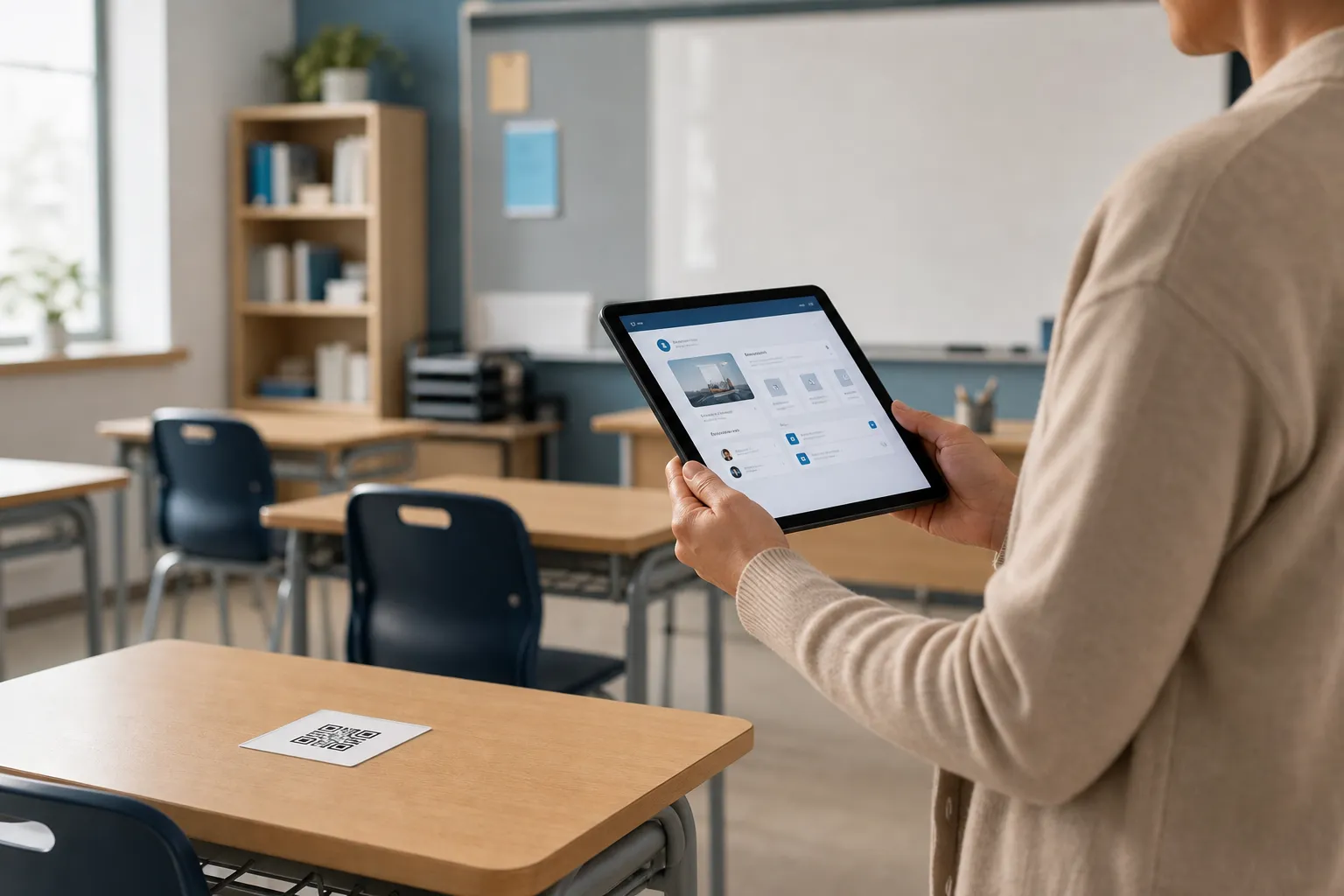
The equity problem is not an edge case; it is the main event. Device ownership tracks income, and a scan-only activity turns a lesson into a quiet audit of which families can afford a recent phone. Design the alternative first, not as an afterthought for the child who raises their hand.
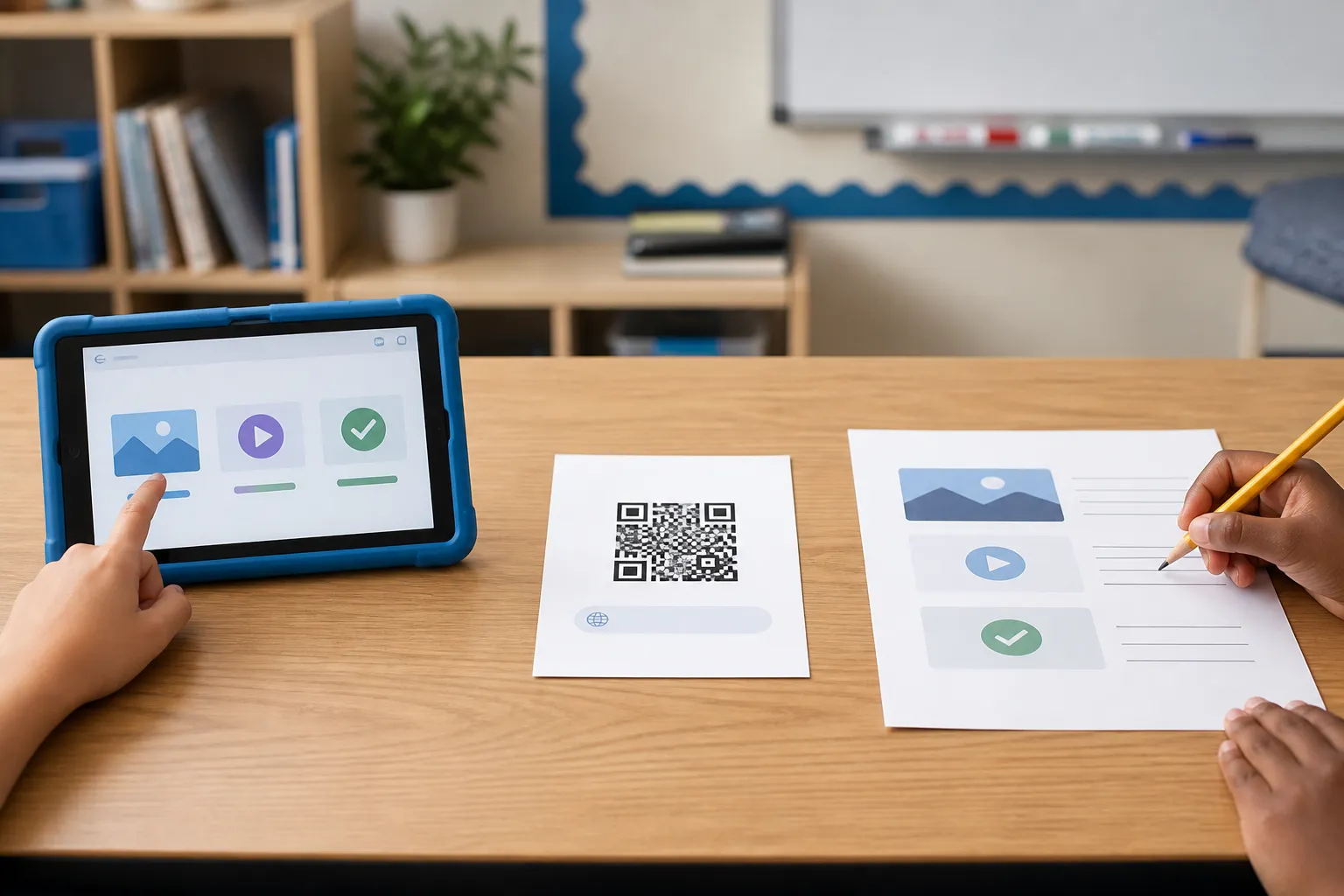
That means shared school devices ready at the station, the same resource posted in the learning platform every student can already reach, a short typed link on the board, and a genuinely equivalent non-digital version of the task. Just as important: never grade the speed of scanning or treat the students with the newest phones as the fastest learners. And where individual scanning is expected, make the codes large enough and accessible for every student, including a wheelchair user, so the physical act of scanning does not exclude anyone either. Museums solve a similar layered-access problem at exhibit stations; see QR codes for museums for the comparison.
A station that gets it right
Here is the shape worth copying. At a supervised electronics bench, a code opens a captioned, transcript-backed soldering-safety demonstration hosted on the school domain. The identical steps are printed on a laminated card beside the station, so a phoneless student loses nothing. The code carries no learner data at all. And the teacher tests it on the restricted classroom network - the one with the content filter switched on - before the lesson, because a link that works on staff Wi-Fi and dies on the student network is a lesson plan that fails in front of thirty children.
That last habit catches more problems than any policy document. The filtered network is where students actually live, and it is the only honest place to test.
Keep the room tidy and current
Codes accumulate. A sheet printed for one unit lingers on the wall into the next, and a code that opens last term’s instructions is more confusing than a broken link, because a broken link at least announces itself. Label the expected destination next to each code so a student - or a curious parent - can tell where it should lead, and inspect the stickers now and then for tampering. A swapped code on a school wall is a real safeguarding risk, not a prank.
Date anything time-sensitive and take it down when the unit ends. Treat the codes on your walls the way you treat the displays: refreshed, owned, and never left to rot, the same ownership discipline that keeps a community nonprofit’s codes trustworthy. Do that, and the code stays what the microscope taught me it could be - a small, quiet piece of scaffolding that gives the teacher back a few minutes and gives every student, phone or no phone, the same way in.
Sources and further reading
Create the code you need
Use HighEndDIY’s private browser tool, then test the result in the setting where people will scan it.
Create a QR CodeFound something that should be corrected? Email [email protected].