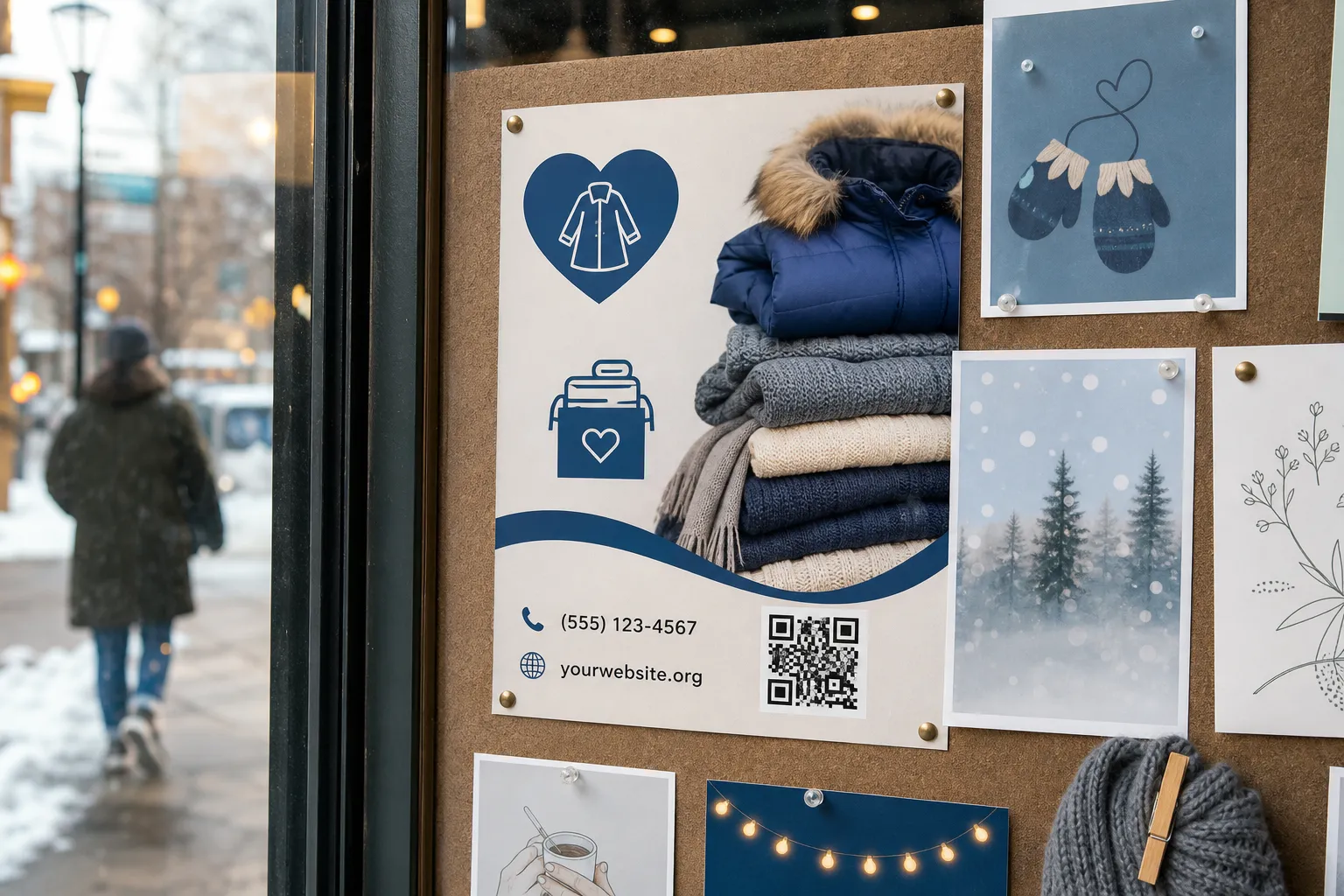
A volunteer I know once printed 300 flyers for a winter coat drive, each with a crisp QR code pointing at a donation page. Two weeks in, the page went dark. The link had been built inside a free account belonging to a volunteer who had moved cities and stopped answering emails. Nobody else had the password. Every one of those flyers, still pinned to church boards and shop windows, now led to a “page not found” error - and to a small dent in the trust the charity had spent years earning.
That is the real risk with nonprofit codes. It is rarely the technology that fails. It is the ownership, the handover, and the quiet assumption that a scan is enough on its own.
Trust is the whole product
When someone points a phone at your code, they are about to consider handing over money or personal details to whatever appears. For a household name that is a small leap. For a local food pantry or a first-year campaign, it is a genuine act of faith. Everything visible has to agree: the organisation printed on the poster, the domain that loads, the name on the landing page, and the recipient shown at the payment step.
The moment any of those disagree, a thoughtful donor hesitates - and a scammer’s job gets easier. Send people to your own HTTPS domain, or to a clearly named, vetted platform you have deliberately chosen. Before anyone submits a payment, state plainly who receives the money and what it funds. “Your gift buys warm meals this month for the Elm Street pantry” does more for conversion than any clever graphic.
Never look like a phishing attempt
Generic shortened links are the enemy of trust here. A string of random characters gives a donor nothing to verify and gives a fraudster perfect cover. Print a readable fallback URL people can type by hand, and a phone number they can call to give another way. If the code and the printed address match, a cautious supporter can reassure themselves in two seconds, which matters since not every QR code is safe to scan and donors have every reason to be careful with one asking for money.
Be careful about placement, too. A code taped near a council noticeboard or a hospital entrance can be mistaken for an official service. Keep your branding unmistakable, and never let a fundraising code sit where someone might read it as a government or emergency instruction.
Build it to survive the people who built it
Nonprofits run on goodwill and turnover. The passionate volunteer who set everything up this spring may be gone by autumn, and the campaign has to keep working without them. Treat that as a design requirement, not a surprise.
Store the source files, the mapping of which code points where, the account logins, and the review dates in a place the organisation controls - a shared drive with proper admin, not one person’s personal inbox. Give access on a least-privilege basis, protect it with strong authentication, and write down two boring but vital answers: who takes the old signs down, and who responds if a destination is ever hijacked. Running through a pre-launch checklist before a print run goes out catches most of this before it becomes 300 flyers pointing nowhere. Small businesses run into a lighter version of the same problem; see practical QR-code ideas for small businesses for the commercial equivalent.
A campaign that holds up
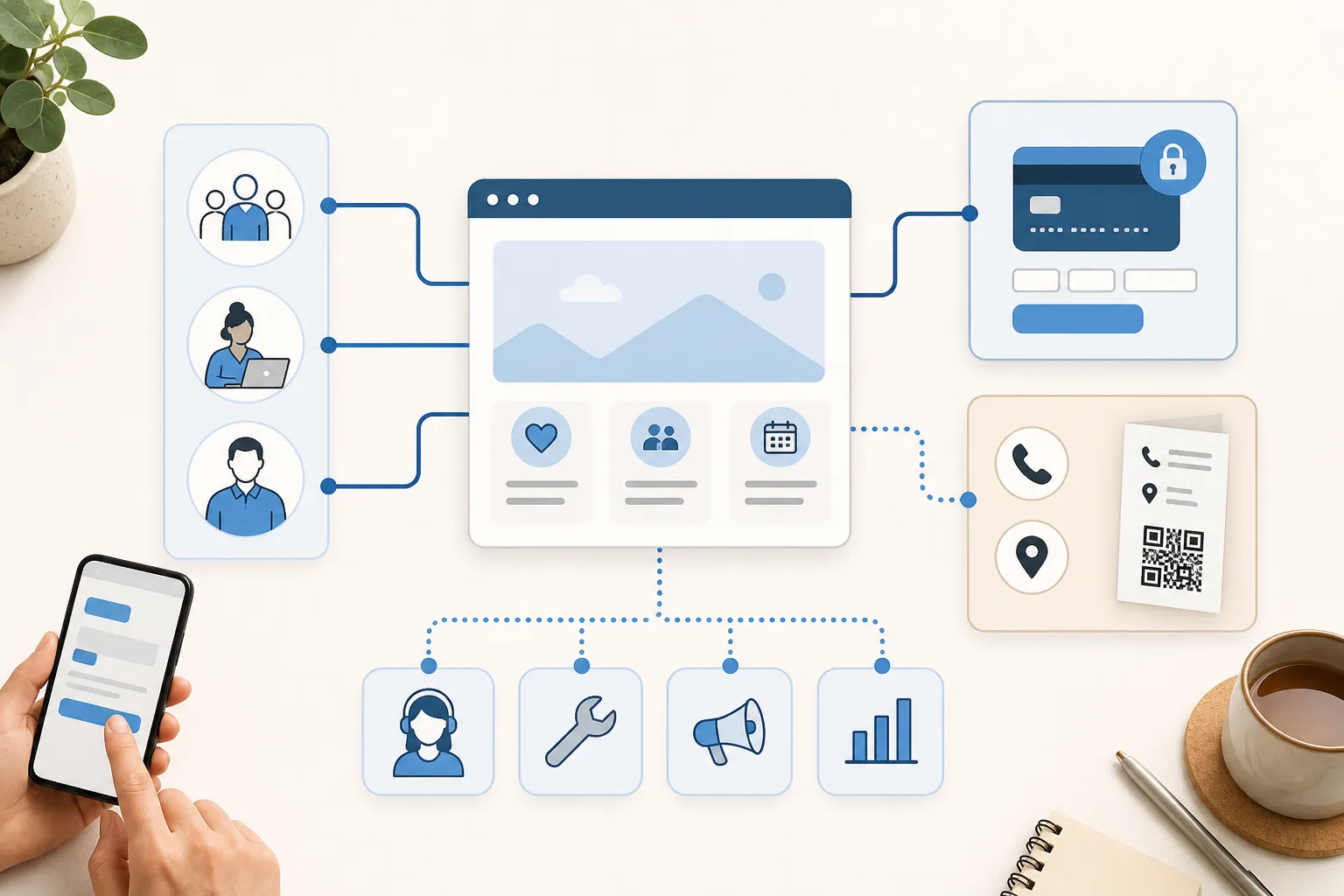
Picture a food pantry poster for its current donation needs. The code opens a page that is public, fast, dated, and available in the two or three languages the neighbourhood actually speaks. The essential opening hours and a help phone number stay printed on the poster itself, so a hungry family with no data still knows when the doors open. The donate button routes to the pantry’s approved processor and names the pantry clearly at checkout. No advertisement crowds the giving moment, and no third-party tracker rides along quietly, in line with the broader privacy considerations for QR codes.
None of that is expensive. It is mostly discipline: deciding in advance what the poster must say on its own, and letting the code carry the parts that genuinely benefit from being live and updatable.
Reach the people you exist to serve
Here is the uncomfortable truth about community work. The audiences a nonprofit most wants to reach are often the ones least served by a scan-only approach: people on limited data plans, older phones, shared devices, or none at all, alongside those with disabilities, language needs, or real privacy concerns about scanning anything.
So never make a code the single door to essential aid. Offer a short URL, a phone number, a physical address where it makes sense, and a real person who can help. If your campaign is about getting food, shelter, or advice to people in difficulty, the least reliable channel must not be the only one. The scan is a convenience for those it suits, layered on top of routes that work for everyone else.

Keep it honest after launch
A code is a promise that the page behind it is still true. Fundraising totals change, ticketed events end, and donation needs shift from coats in January to school supplies in August. Assign a real owner for each active campaign, give every landing page a review date, and retire codes when the campaign closes rather than silently redirecting an old poster to something unrelated.
Walk past your physical signs occasionally, too. Weather peels laminate, and a stranger can stick a fresh code over yours in the time it takes to buy a coffee. A code that has been tampered with points your most generous supporters straight at a fraudster, in your name. Ten minutes of inspection protects years of reputation.
Do all of this and the code becomes what it should be: a quiet bridge between a poster on a wall and a person who wants to help, one that keeps working long after the volunteer who built it has moved on.
Create the code you need
Use HighEndDIY’s private browser tool, then test the result in the setting where people will scan it.
Create a QR CodeFound something that should be corrected? Email [email protected].